Sign in





NAS Storage Network Upgrade Guide
< BackNAS Storage Network Upgrade Guide
Fiber optic network cards are widely used in various networking scenarios, including server virtualization, cloud computing data centers, high-performance computing clusters, and NAS storage networks. 10G fiber optic network cards, in particular, are extensively used in storage networking to significantly improve data transfer efficiency. This article uses 10G network cards as an example to explain how to build a 10G NAS storage network and create a high-speed, stable private storage environment.
10G NAS: Why Is Now the Best Time to Upgrade?
NAS (Network Attached Storage) provides file-level data storage services over a network. Its performance is largely determined by network throughput. In traditional Gigabit Ethernet environments, actual NAS transfer speeds typically range from 100 to 120 MB/s. Due to TCP/IP overhead and physical transmission limitations, this is already close to the theoretical limit of Gigabit Ethernet.
As 4K video editing, large-file sharing, virtual machine storage, and backup archiving become increasingly common, Gigabit Ethernet can no longer meet growing data transfer demands. A 10G network offers a theoretical speed of 10 Gbps and an effective throughput of approximately 1.2–1.4 GB/s—around ten times that of a 1G network. This helps eliminate storage access bottlenecks and improve work efficiency.
Today, 10G networking equipment and solutions are mature, and prices have dropped significantly compared with earlier generations. For small studios, medium-sized businesses, and individual users seeking high-performance NAS systems, building a 10G NAS storage network is now a practical option.
Building a 10G NAS Storage Network: What Do You Need?
A complete 10G NAS storage network requires the following core components:
1. 10G Network Cards
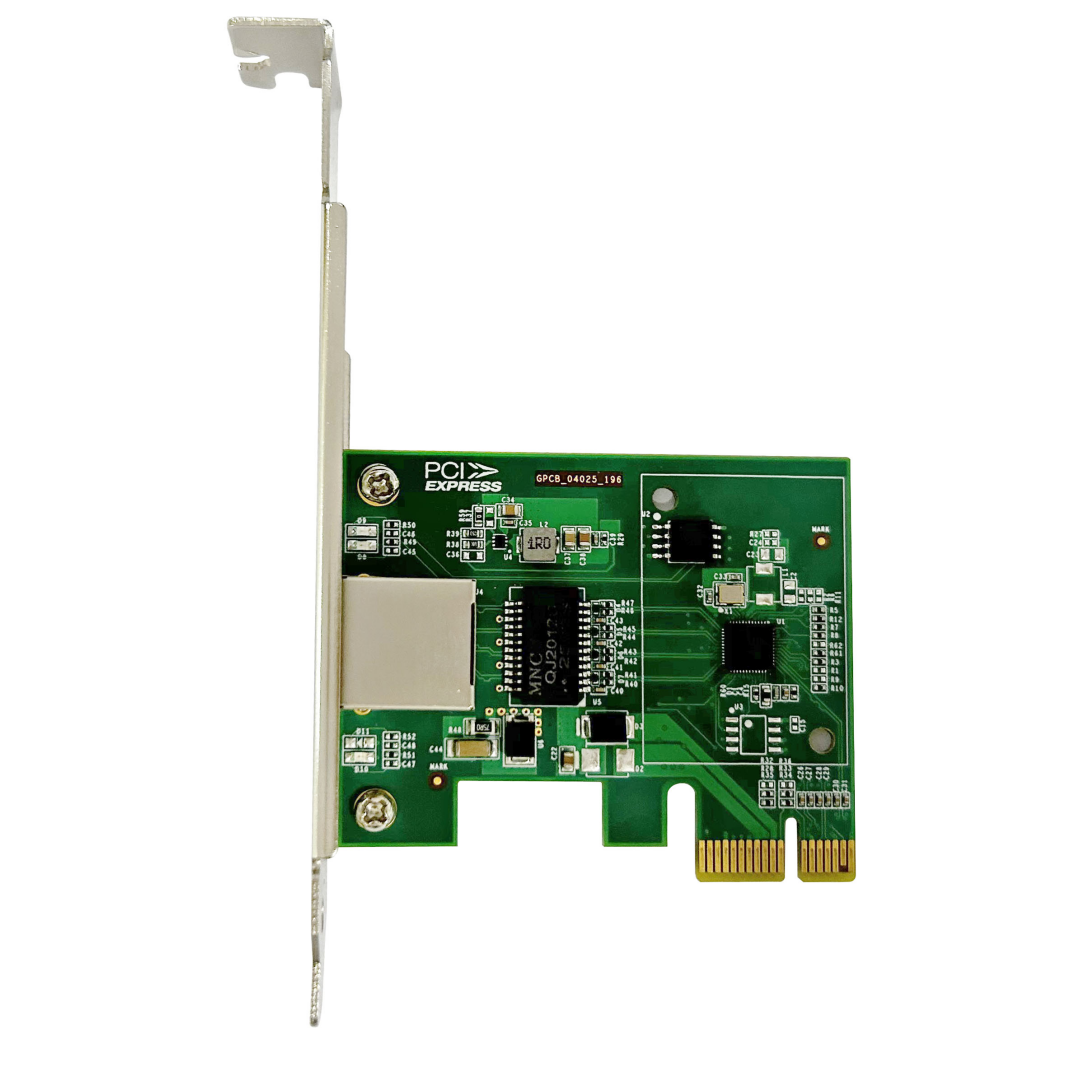
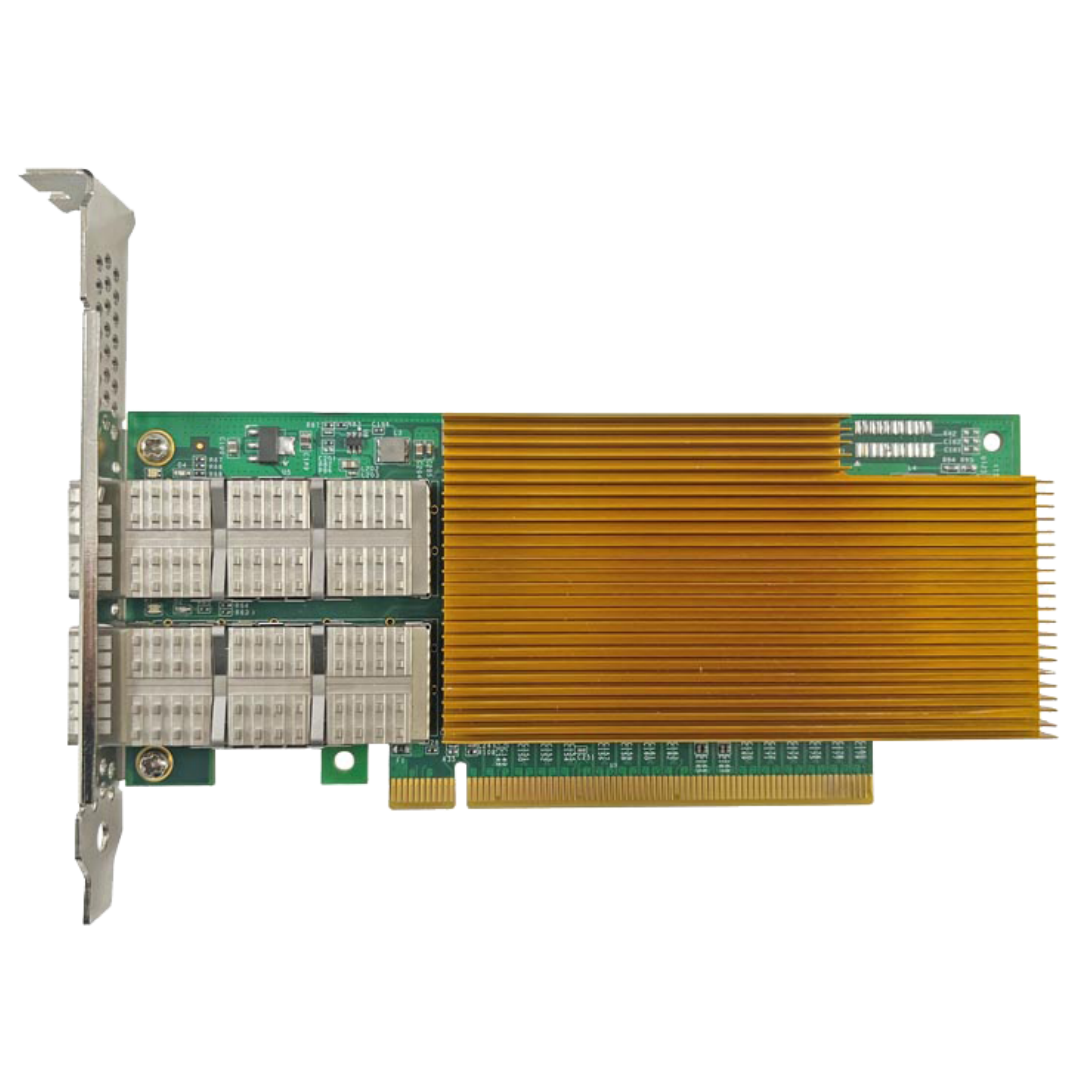
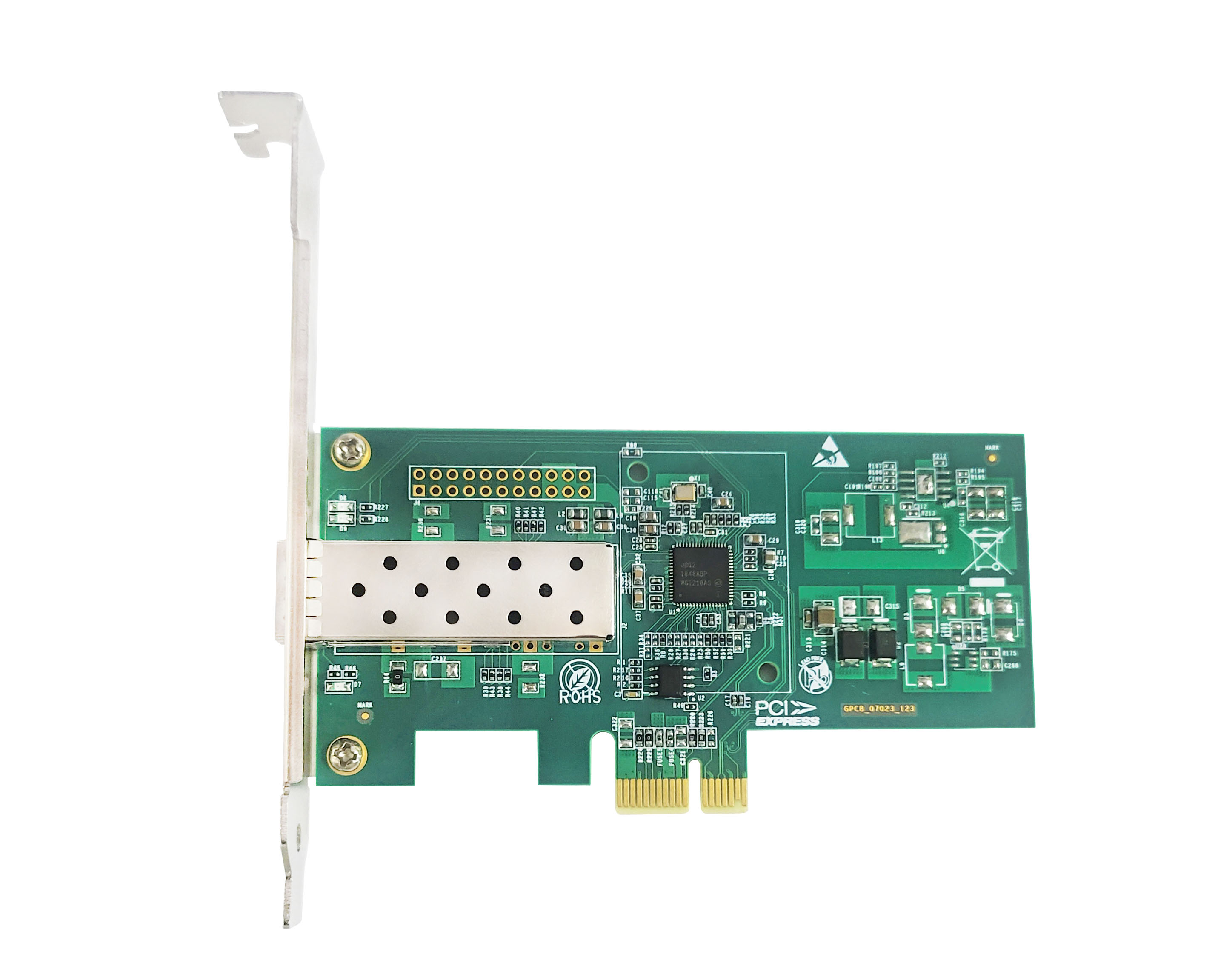
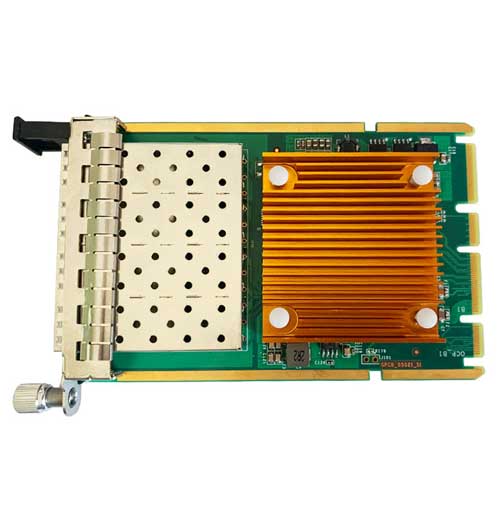
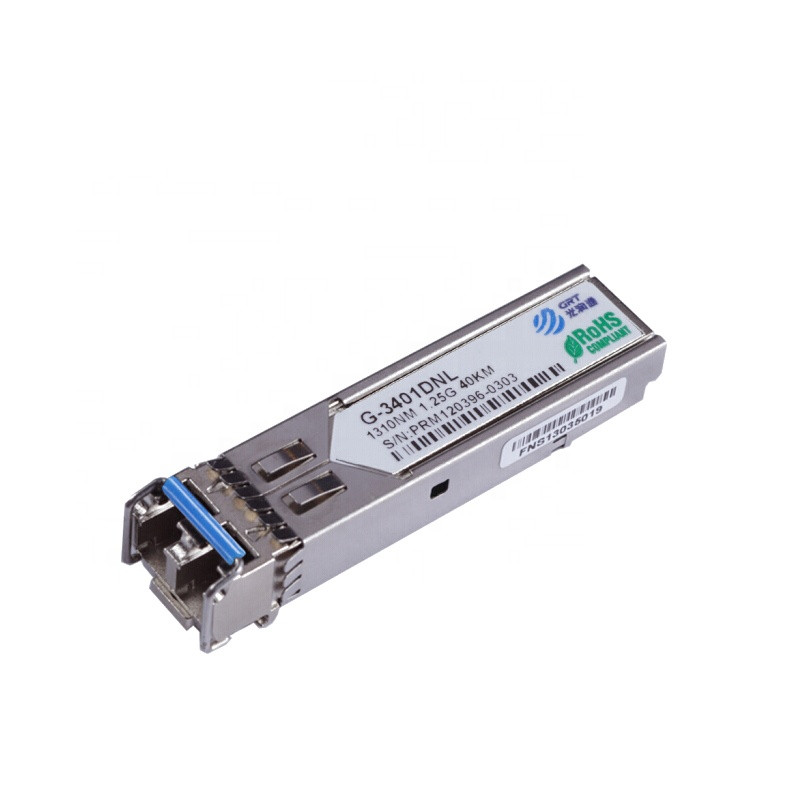
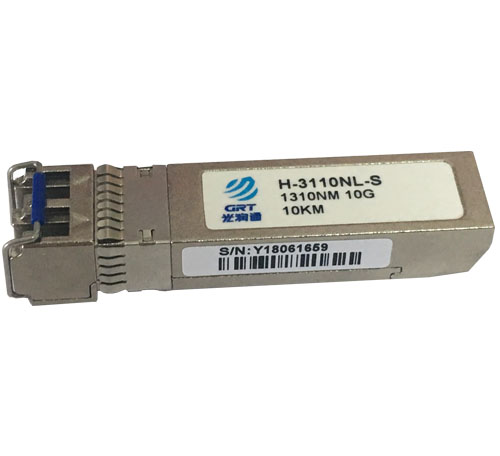
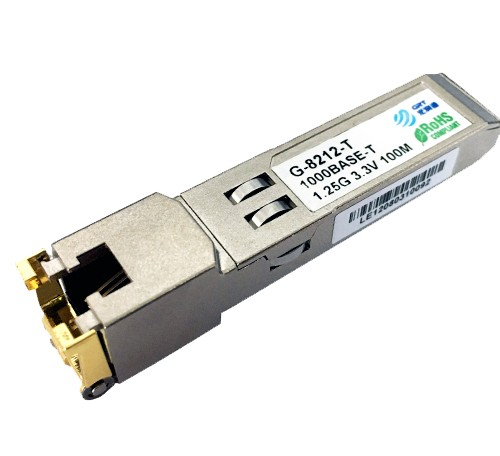
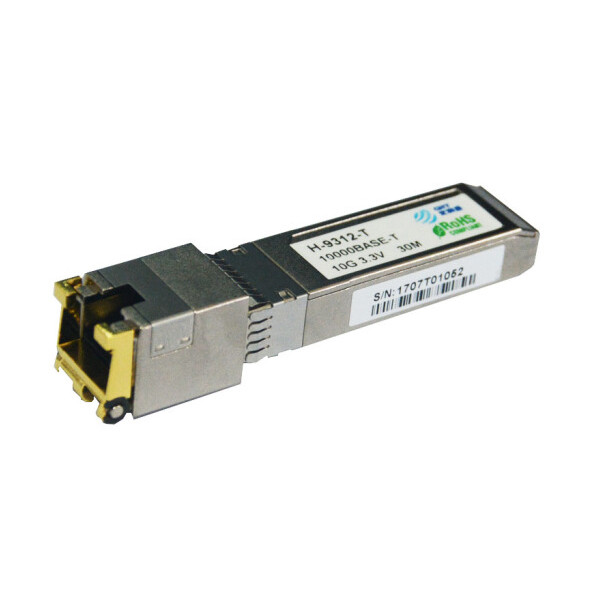
A 10G network card is the key component connecting a server or NAS host to the network. Depending on the interface, 10G NICs are divided into copper Ethernet cards and fiber optic cards. Copper cards use RJ45 interfaces and Cat6a or Cat7 cables, while fiber cards use SFP+ interfaces and require compatible optical transceivers and fiber cables.
2. 10G Network Switch
A 10G switch enables data transfer between the NAS and endpoint devices, such as computers. If your budget allows, choose a 10G switch with standard ports supporting 10 Gbps. If your budget is limited, consider a Gigabit switch with a 10G uplink. If you plan to connect the NAS directly to a router, a separate switch may not be necessary.
3. Transmission Media: Fiber Cables and Optical Components
Make sure the fiber cables and optical components are compatible with your 10G NICs and switch. Choose Ethernet patch cables or fiber patch cords according to your network design.
If you are upgrading an existing copper network, Cat6 or Cat6a Ethernet cables are recommended. If your equipment uses SFP+ 10G interfaces, connect the NIC and switch using compatible 10G optical transceivers and fiber patch cords. For short distances of less than 7 meters, an SFP+ DAC high-speed cable can also connect the NIC directly to the switch.
Two Connection Options: Which Is Right for You?
There are two mainstream ways to connect network cards to switches or endpoint devices, each suited to different scenarios.
Option 1: 10GBASE-T (Copper Ethernet)
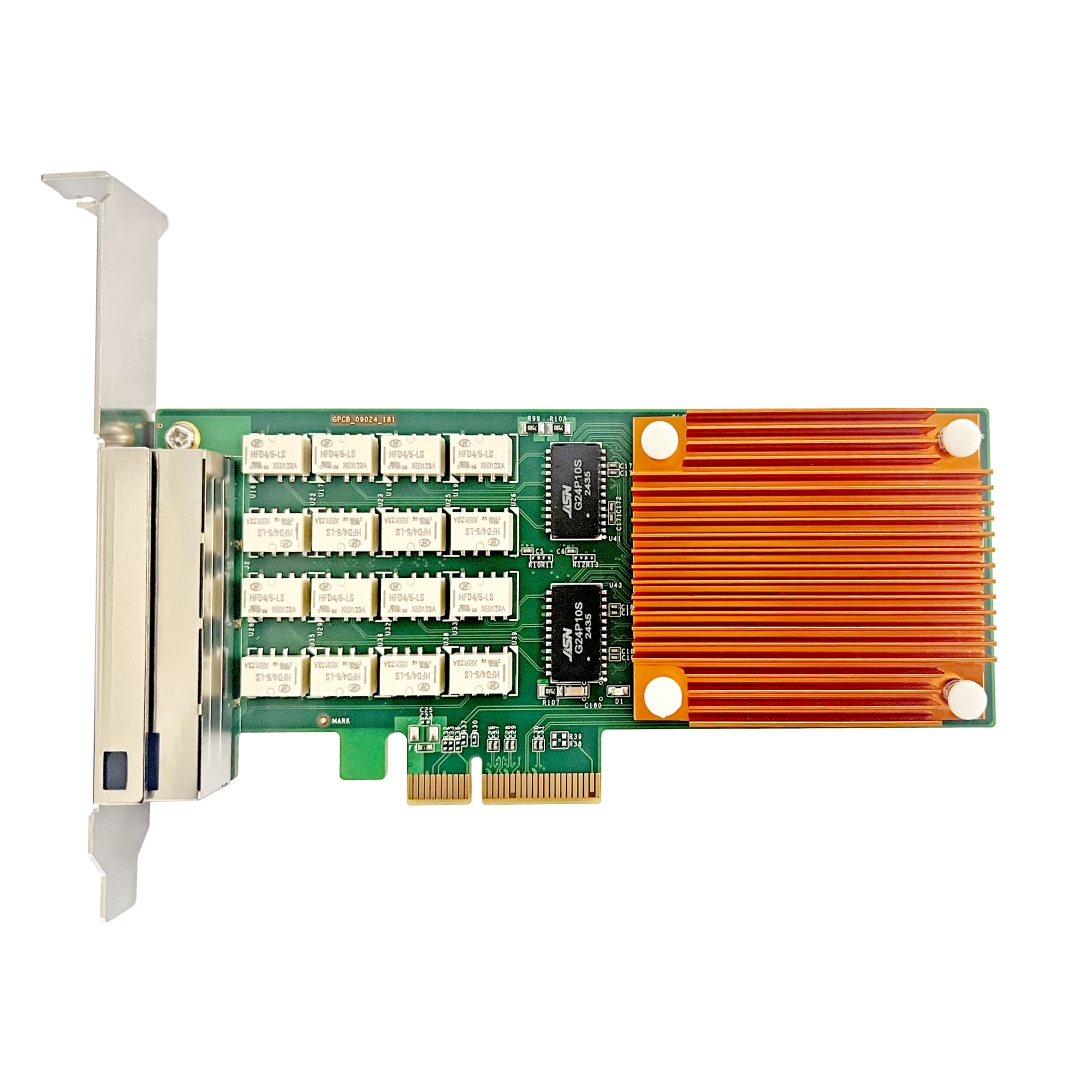
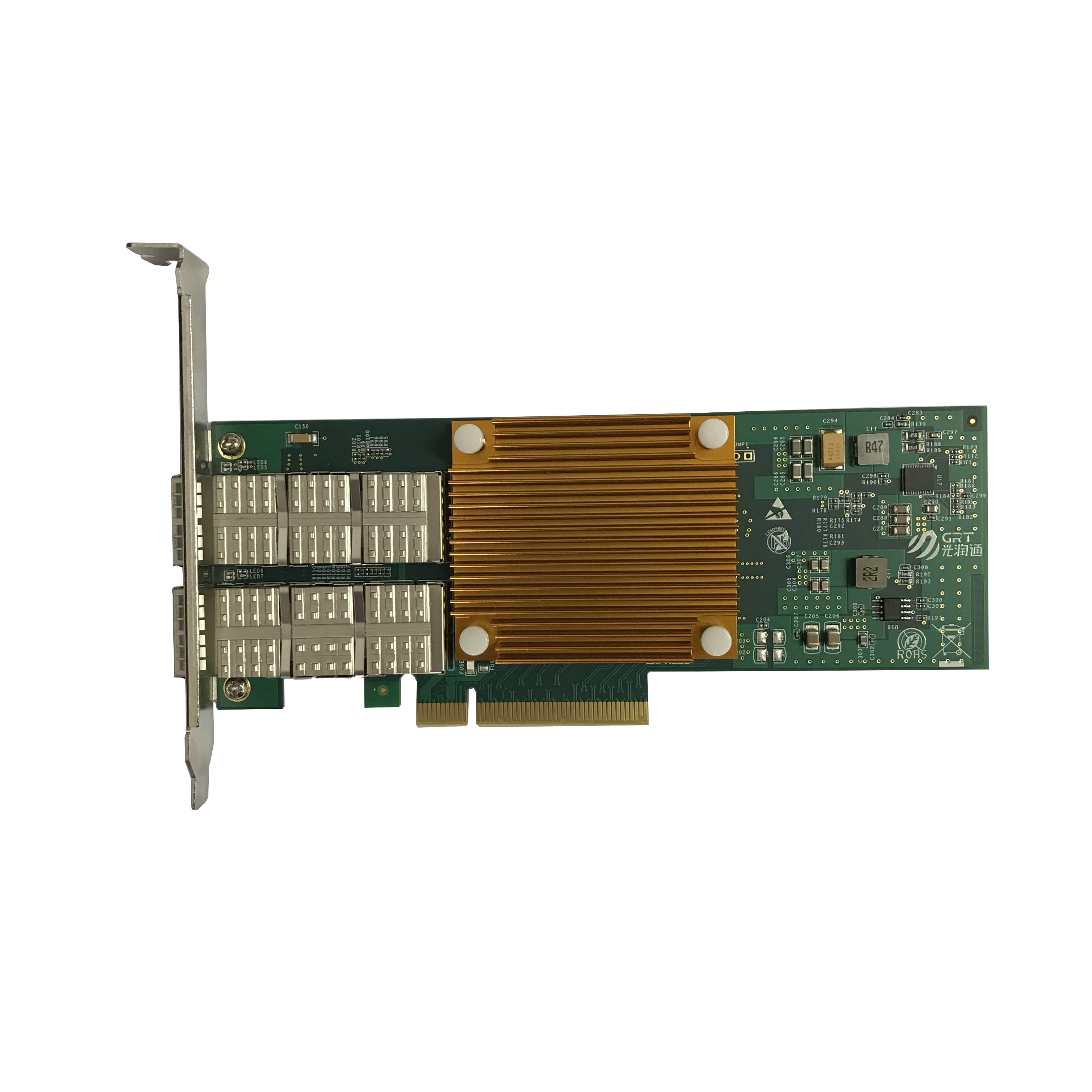
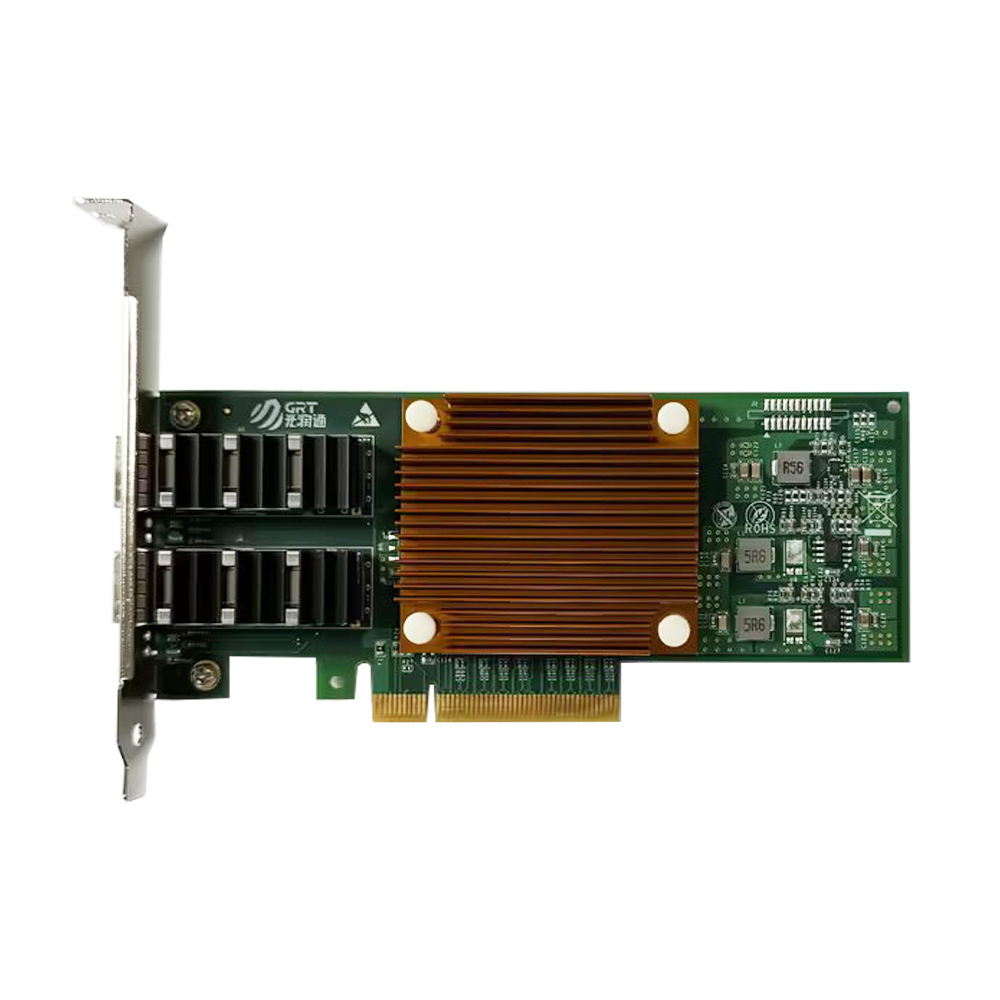
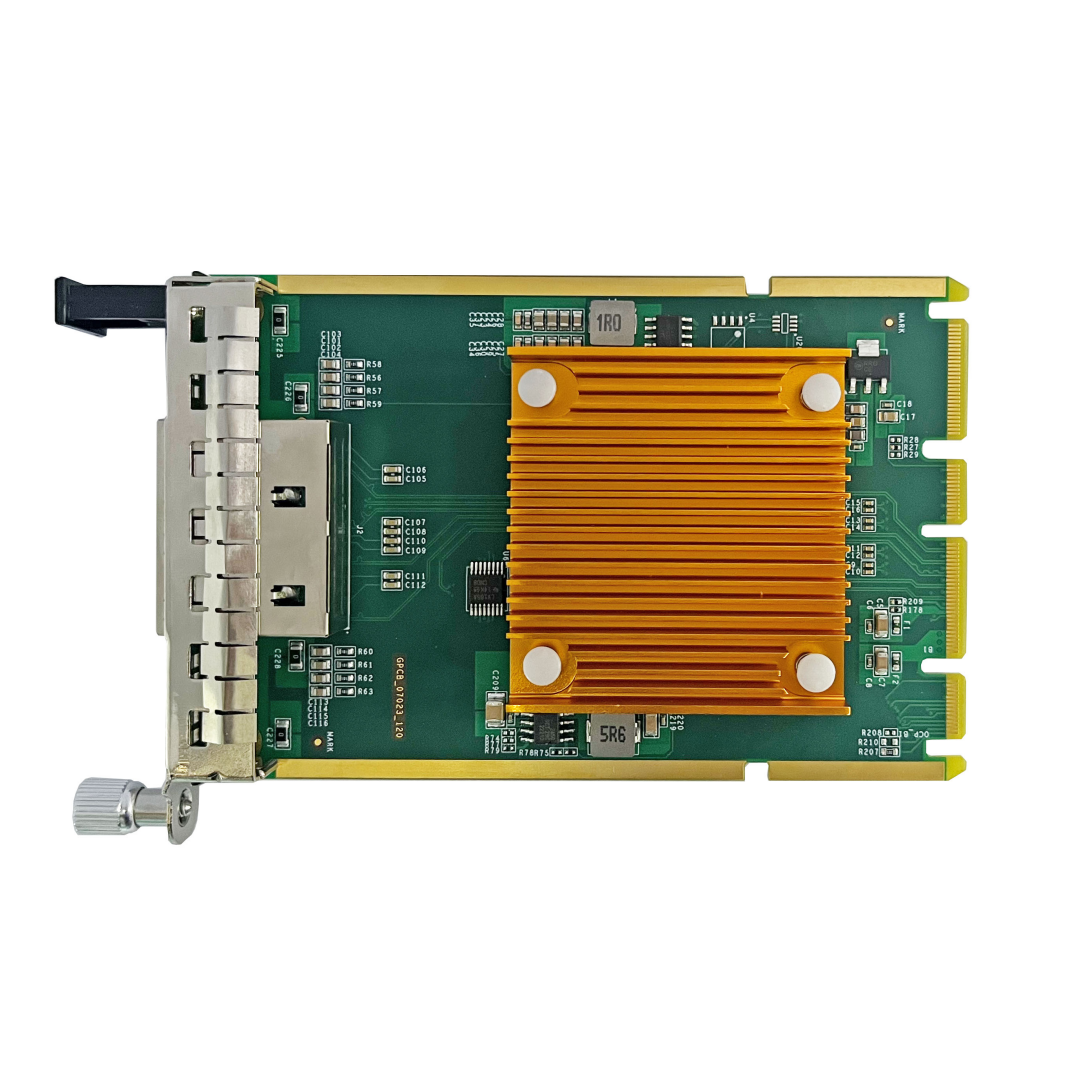
Key components: Guangruntong (GRT) GH1002T-V3.0 copper 10G NIC + Cat6a or higher-grade Ethernet cable + 10GBASE-T switch.
Install the Guangruntong (GRT) GH1002T-V3.0 10GBASE-T network card in your NAS and connect it to a 10G port on the switch using a Cat6 or better cable. Connect the switch to the endpoint computer, equipped with a 10G NIC, and the router using Ethernet cables. Ensure that the computer and NAS are on the same network. Authorized computers can then store and retrieve data on the NAS at up to 10 Gbps, subject to the capabilities of the complete system.
Suitable for: Users with transmission distances of approximately 30–100 meters and existing Cat6/Cat6a copper cabling.
Advantages: Copper Ethernet is convenient to install and maintain in ordinary office environments. Although Cat6a cables are thicker and less flexible than fiber patch cords, their 100-meter reach meets the needs of many installations. Copper-based equipment can also be more economical than optical solutions, depending on the components selected.
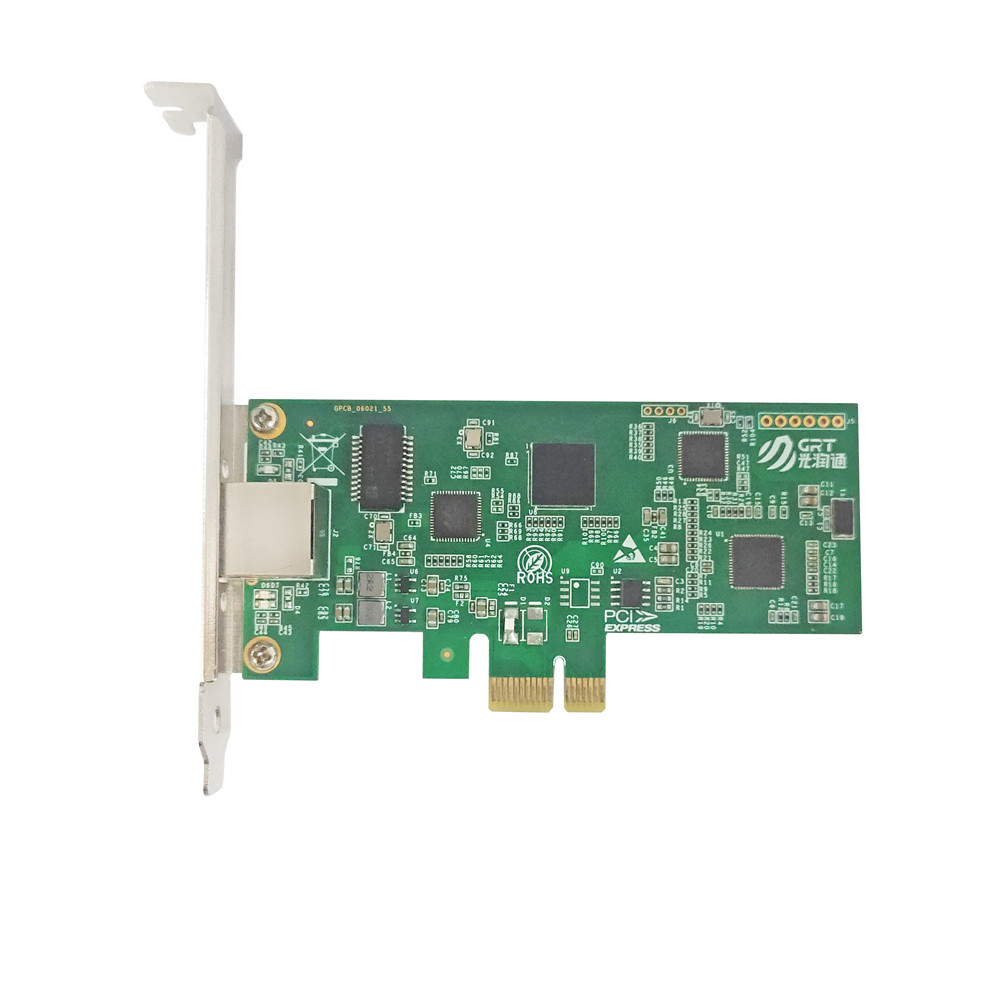
Product recommendation: The Guangruntong (GRT) GH1002T-V3.0 is a dual-port copper 10G network card. Its two ports provide link redundancy and can be configured for IEEE 802.3ad dynamic link aggregation, balancing traffic across two links for up to 20 Gbps of aggregate bandwidth under suitable conditions. Auto-negotiation identifies link speed, duplex mode, and flow control to simplify configuration. Its optimized design is intended to reduce latency by approximately 30% compared with earlier 10GBASE-T controllers, helping meet the real-time requirements of many applications.
Option 2: SFP+ (Fiber Optic)
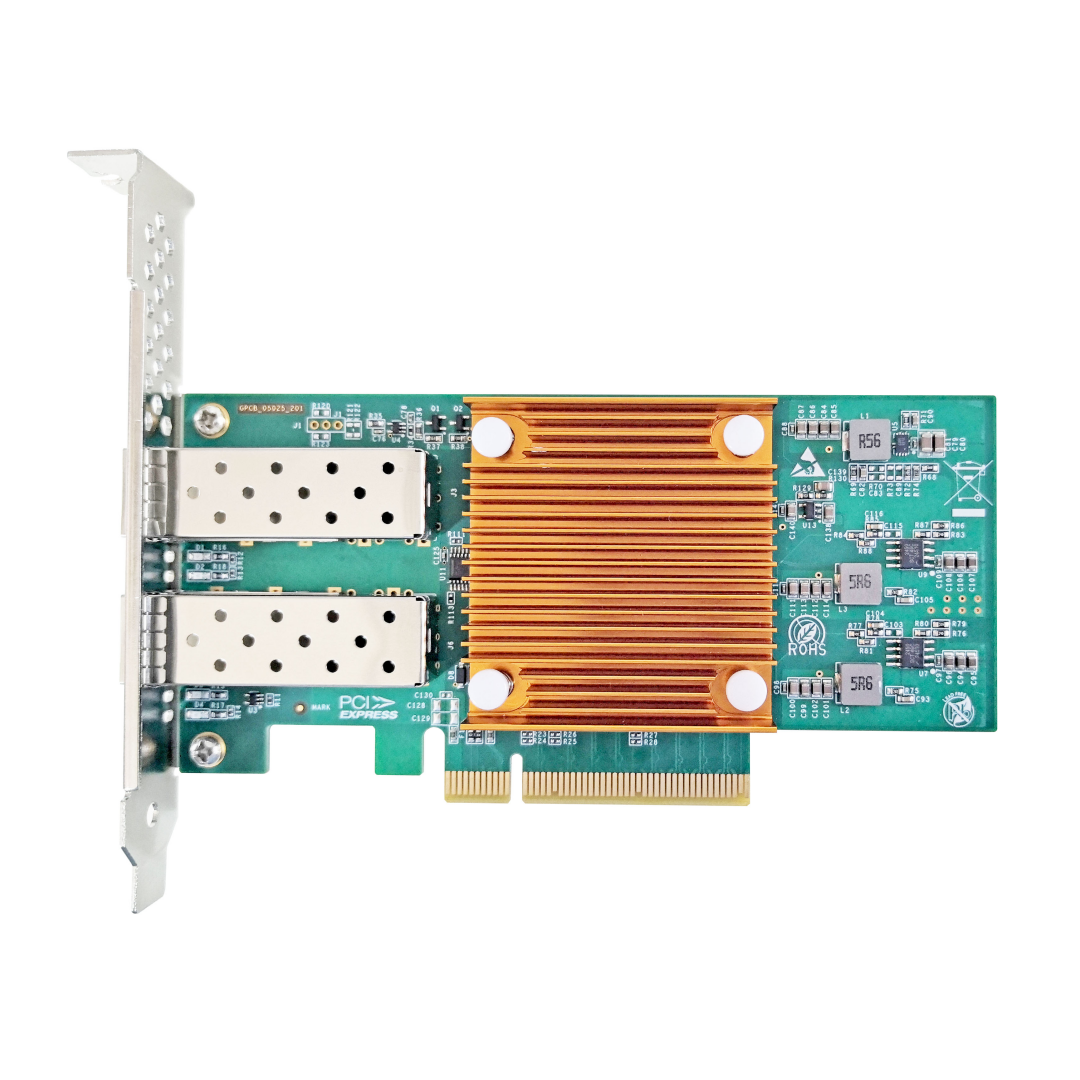
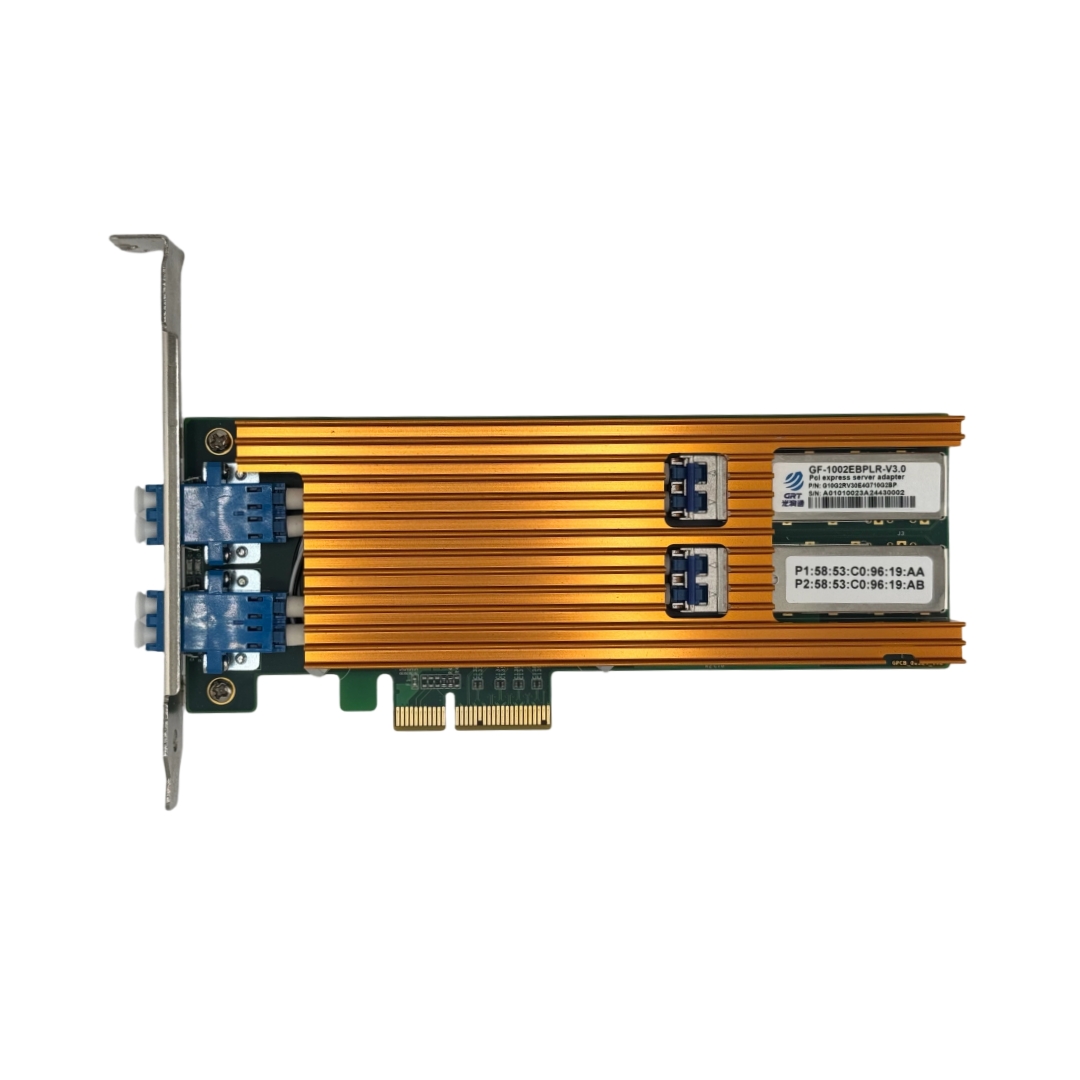
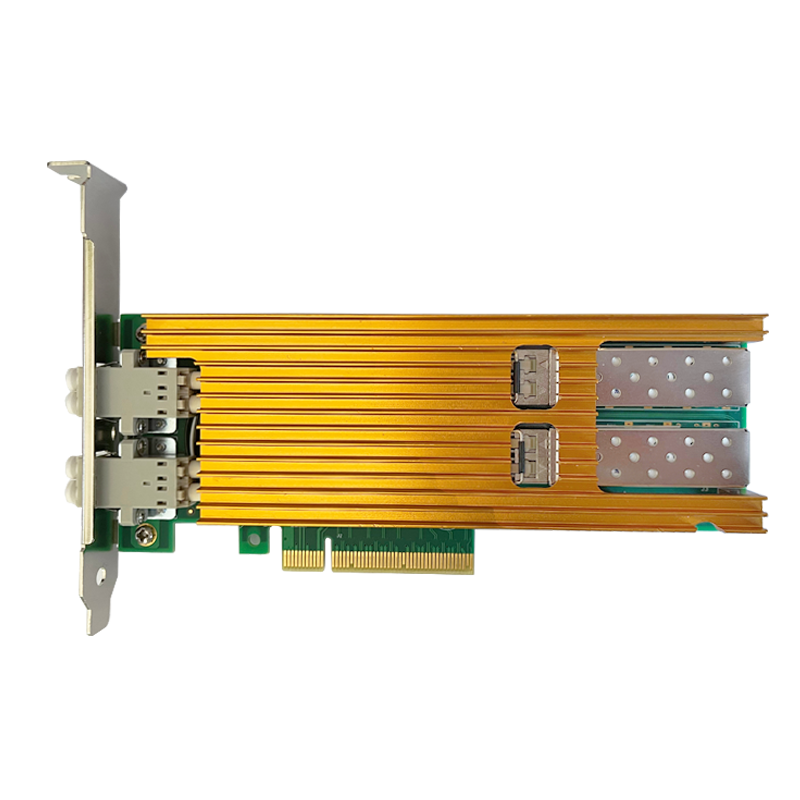
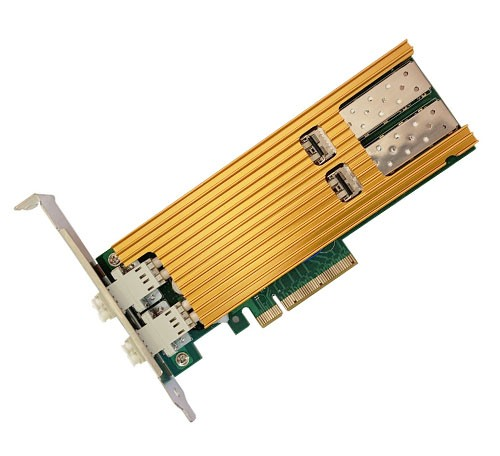
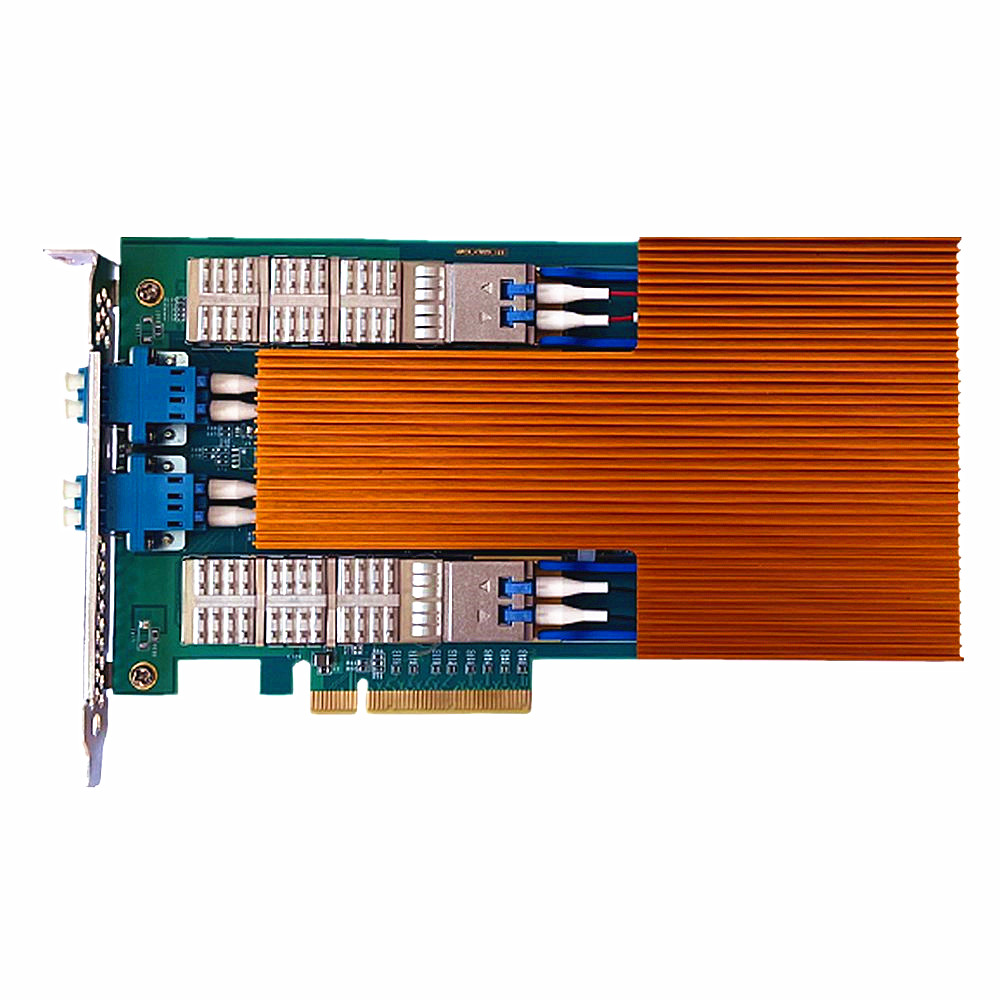
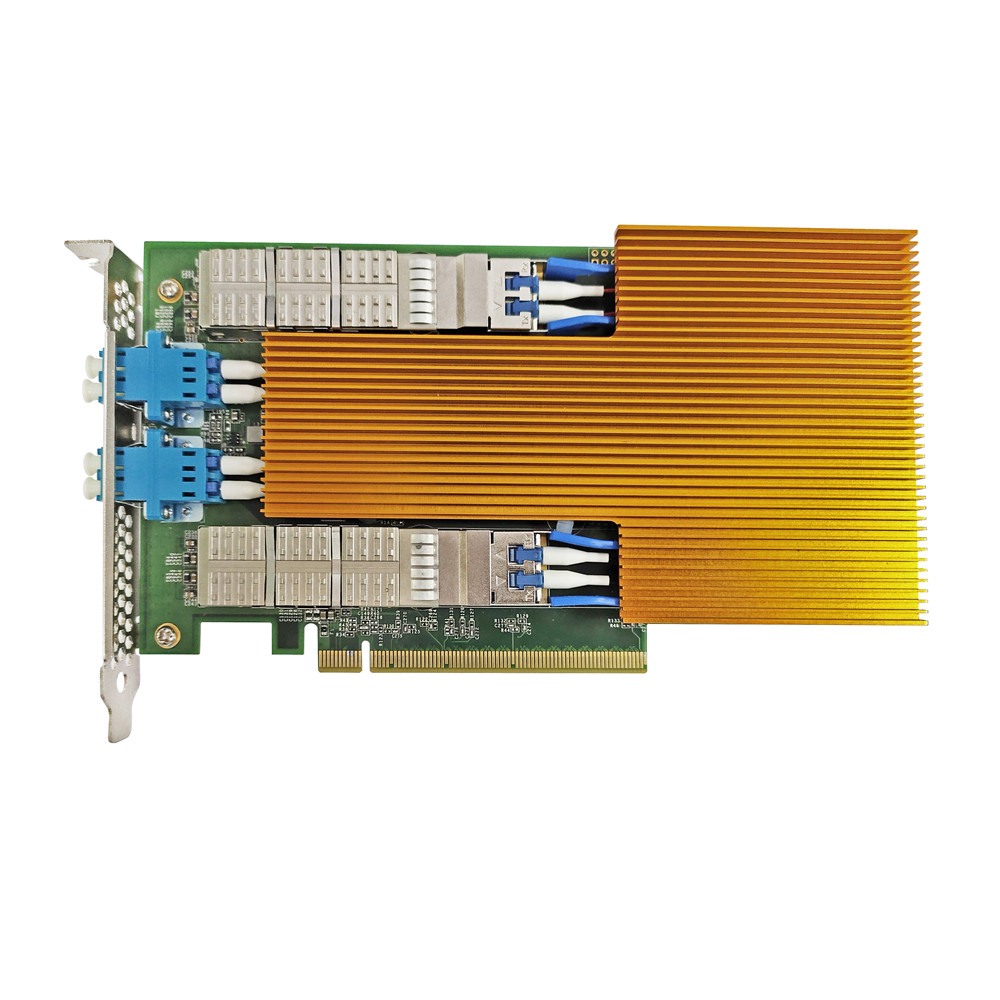
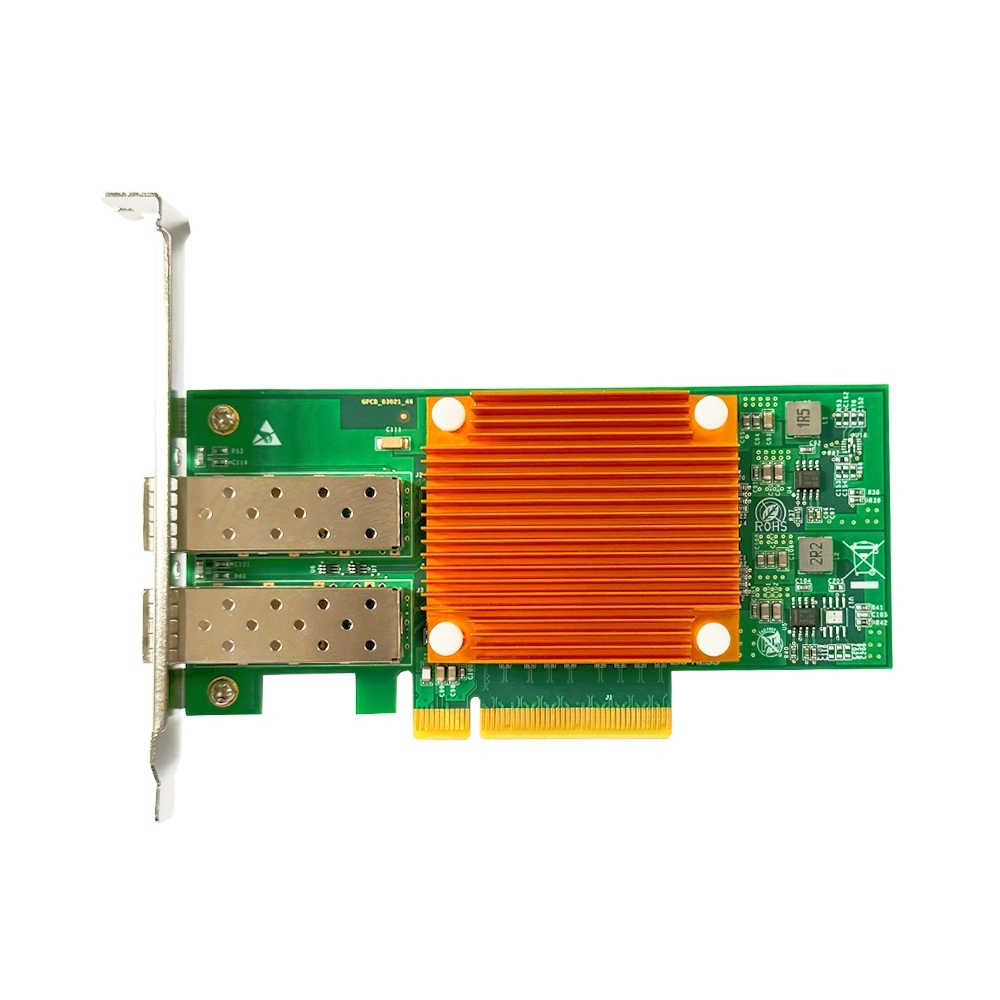
Key components: Guangruntong (GRT) GF-1002E-V3.0 dual-port 10G fiber NIC (SFP+) + optical transceivers + LC fiber patch cords.
If your switch is an SFP+ 10G model, install an SFP+ 10G fiber NIC in the NAS. Connect the NIC to the switch using compatible 10G SFP+ optical transceivers and fiber patch cords. For distances under 7 meters, an SFP+ DAC cable can also be used for a direct connection.
Suitable for: Users requiring lower latency or longer transmission distances, as well as data centers and inter-rack connections.
Advantages: The SFP+ fiber solution connects the NIC to an SFP+-equipped 10G switch through optical transceivers and fiber patch cords. Compared with copper Ethernet, fiber offers lower latency, longer transmission distances, and greater immunity to electromagnetic interference, making it a strong choice for performance-focused deployments.
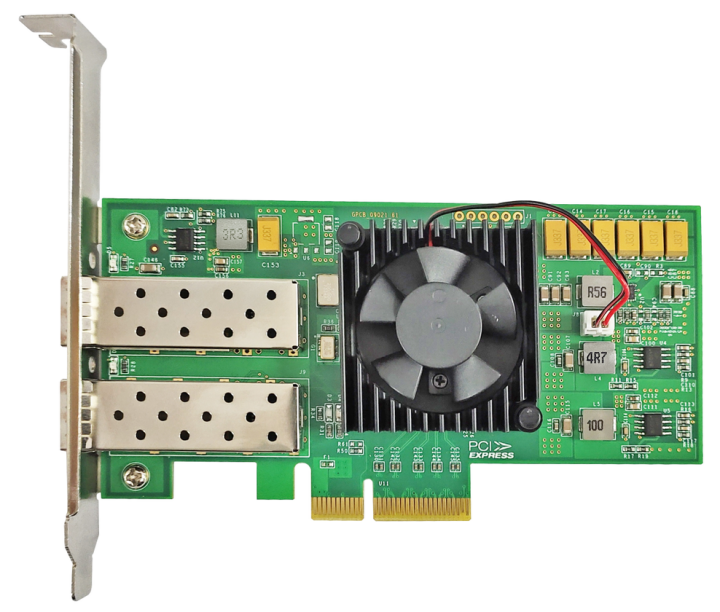
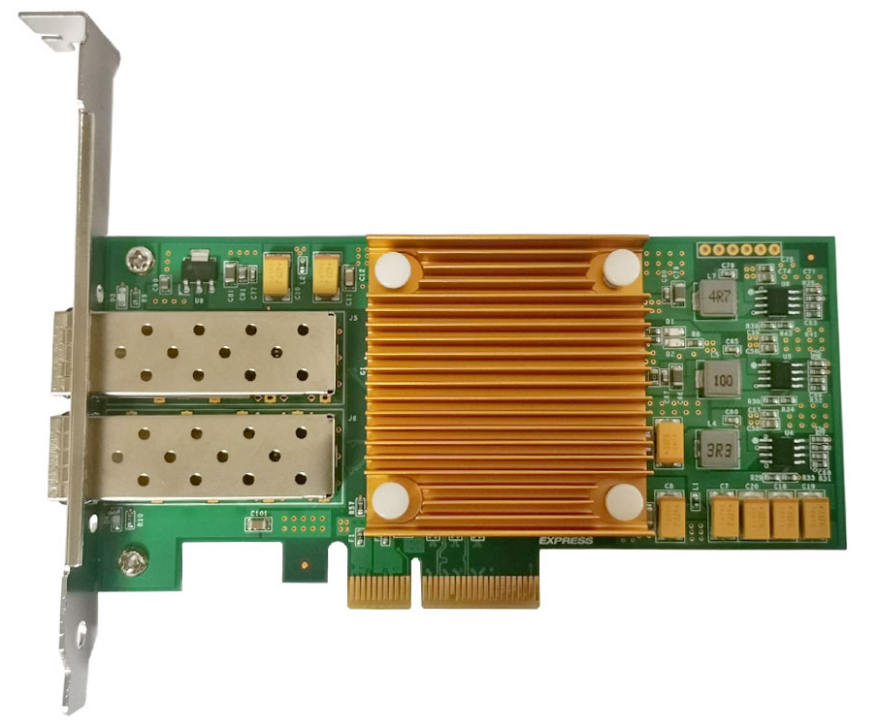
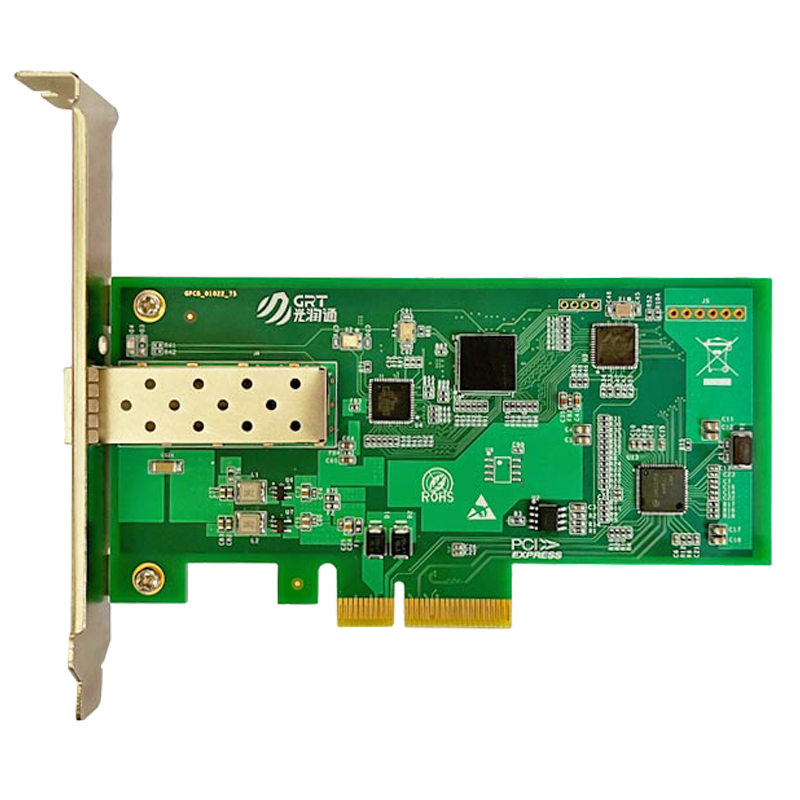
Product recommendation: The Guangruntong (GRT) GF-1002E-V3.0 is a dual-port SFP+ 10G fiber network card. It offers increased port density and redundancy for multi-node storage networks. Its proprietary G710G2 controller is designed for broad compatibility with mainstream domestic and international platforms and operating systems. With a PCIe 3.0 x4 interface, it can be installed directly in standard servers and workstations. Integrated Energy-Efficient Ethernet (EEE) and Receive Side Scaling (RSS) multi-queue technology help reduce power consumption while maintaining efficient data processing, making it suitable for NAS systems running continuously.
Conclusion
When deploying a 10G NAS network, consider transmission distance, device compatibility, and budget. For users prioritizing performance and stability, the Guangruntong (GRT) GH1002T-V3.0 and GF-1002E-V3.0 offer two options. The GH1002T-V3.0 uses the X550-AT2 controller and is convenient to deploy for copper connections. The GF-1002E-V3.0 uses the proprietary G710G2 controller and is well suited to fiber-based connections, particularly where longer distances and low latency are important. Both models balance performance, compatibility, and controllable technology, making them suitable candidates for 10G NAS storage networks.
Guangruntong (GRT), a Chinese manufacturer of fiber-optic communications equipment, offers a comprehensive range of network cards supporting 1G, 10G, 25G, 40G, 100G, 200G, and 400G speeds, with copper and fiber interfaces and single-, dual-, four-, and eight-port configurations. Its products have obtained international certifications such as FCC, CE, and RoHS, as well as relevant domestic industry certifications, supported by a comprehensive quality assurance system. When building a NAS storage network, users can select the appropriate GRT network card based on their requirements for a stable and reliable networking experience.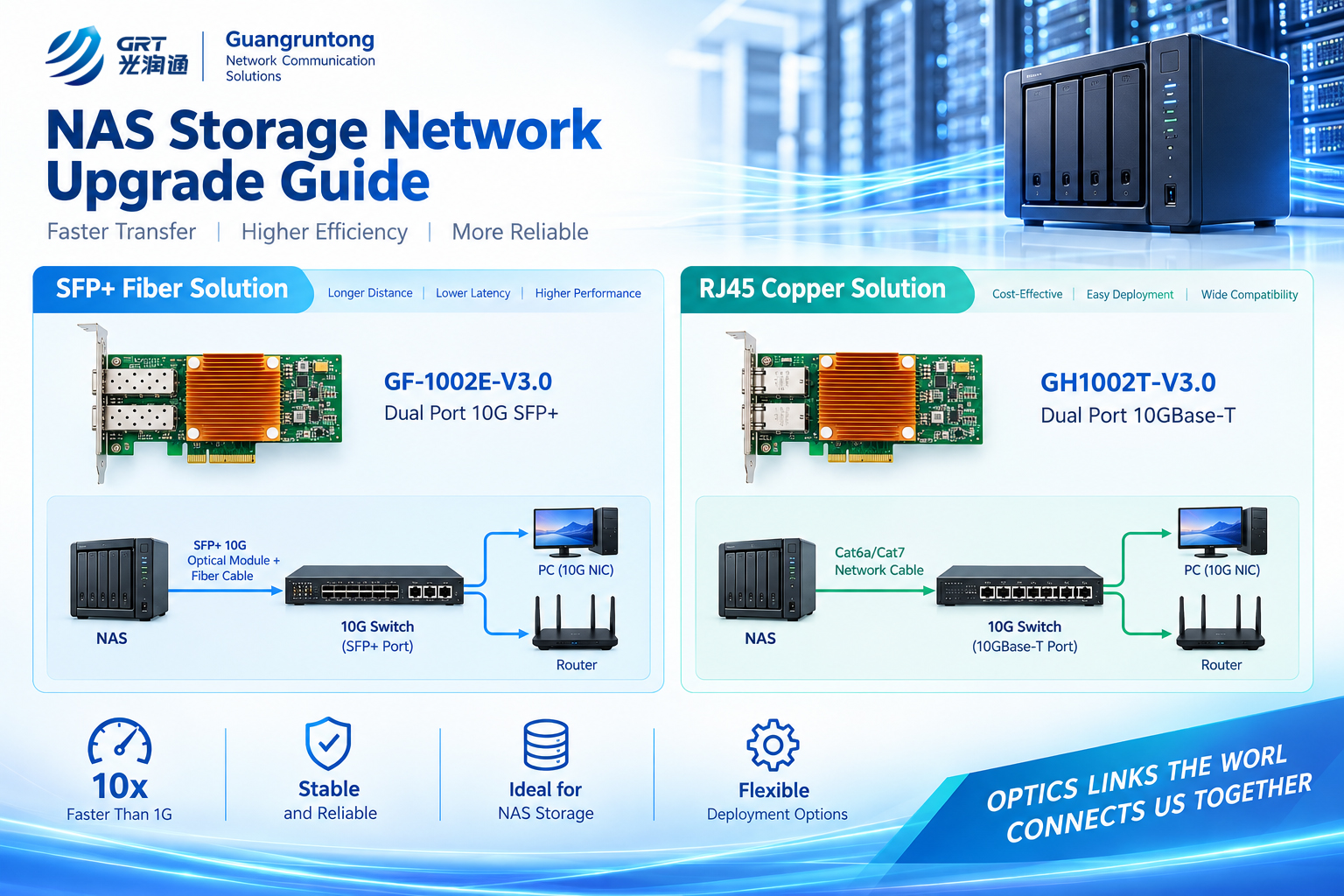
Latest information
- NAS Storage Network Upgrade Guide
- Why Does Upgrading Your NAS to 2.5GbE Not Improve Network Speed?
- What Is an OCP 3.0 Network Card?
- The King of Cost-Effective 25G NIC: In-Depth Analysis of Guangruntong (GRT) GH2502EM-V4.1
- The Hidden Relationship Between NIC Heat Dissipation and Data Center Cabinet Layout
- Why are serpentine traces designed on the NIC PCB board
- NIC and Operating System Ecosystem Adaptation: From Hardware Compatibility to Win-Win Performance
- NIC Hardware Offload Technology: Let Server CPU Focus on Business Computing