Sign in




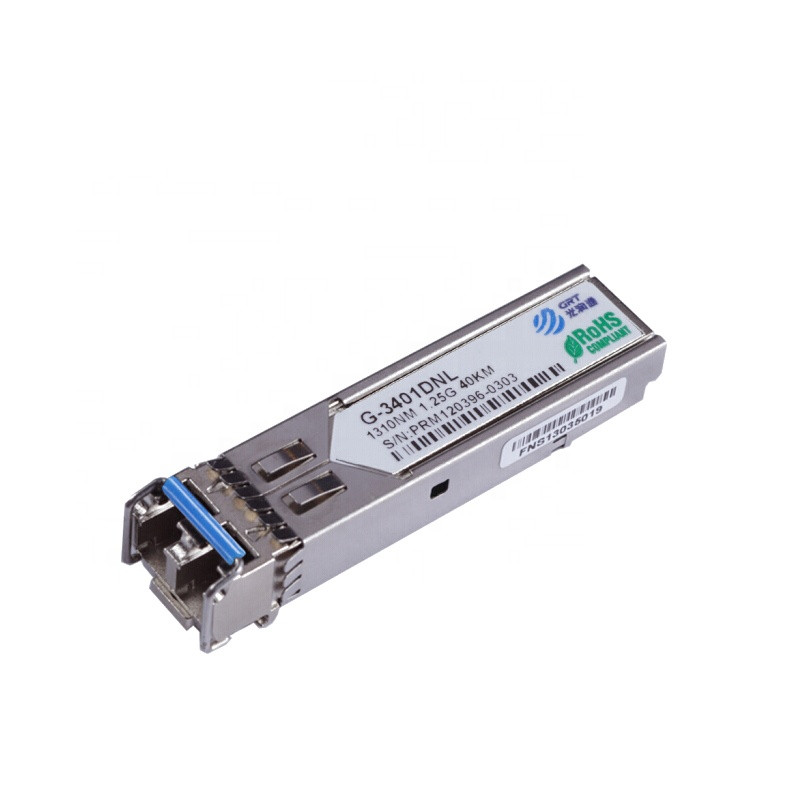
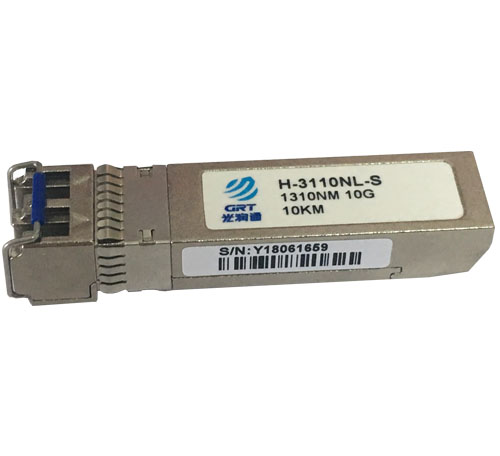
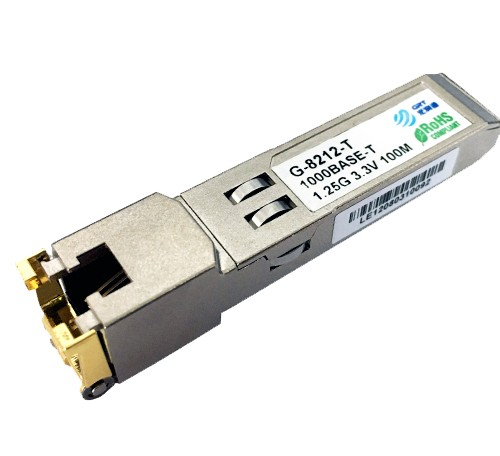
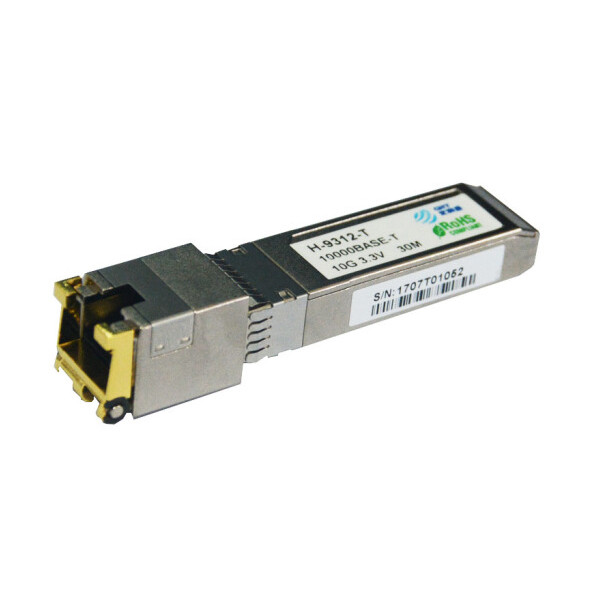

What is the difference between the G port, F port, E port, and S port on the switch equipment?
< BackWhat interfaces does a switch have? What are the functions of each interface, let's take a look as follow
S port
Serial interface means high-speed asynchronous serial port. It is mainly used to connect the V.35 cable of the WAN. To put it bluntly, it is used when the router is connected to the router. You can use commands to set the bandwidth, usually around 10M or 8M.
E port
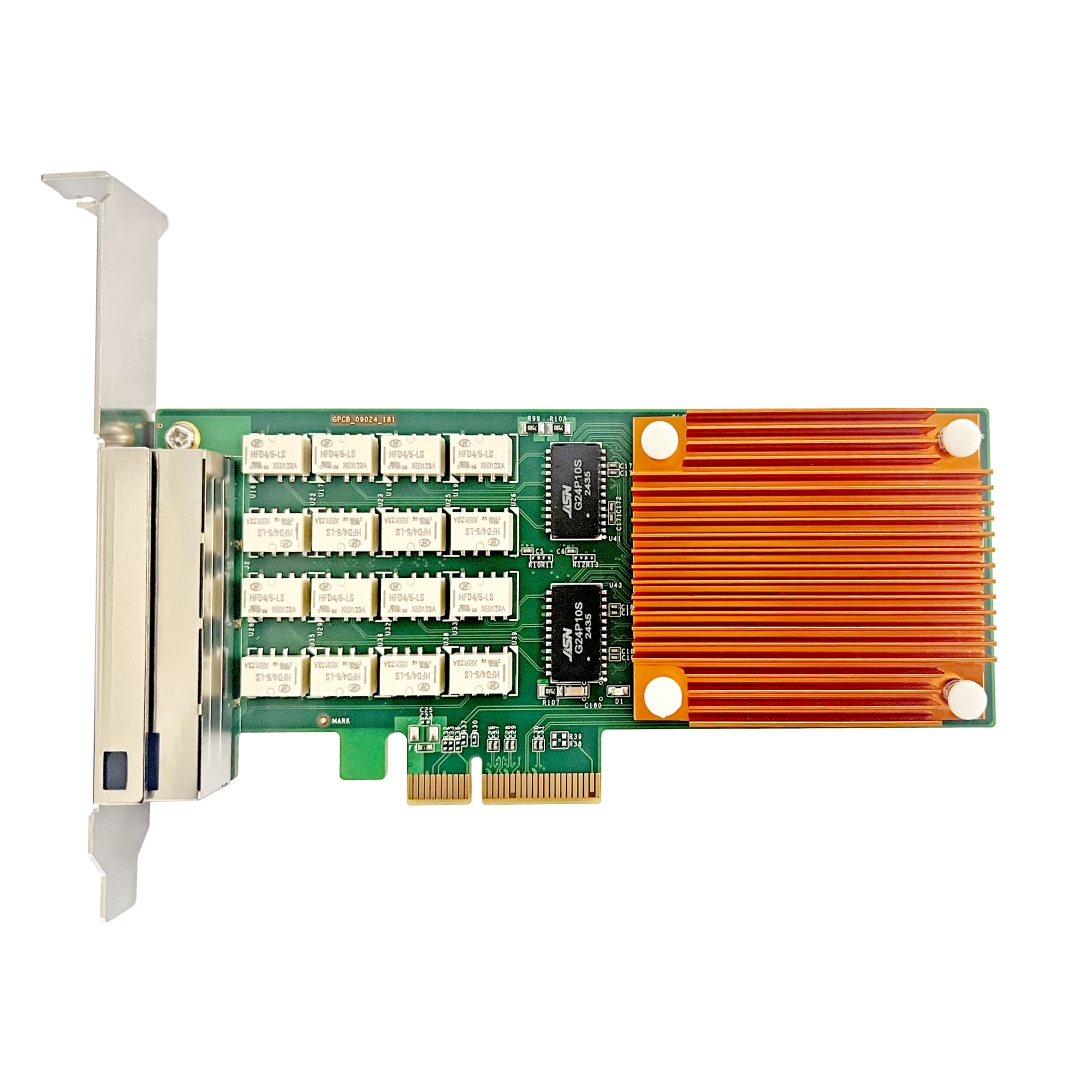
It is the Ethernet interface, called the Ethernet interface, which is mainly used to connect to the Ethernet (local area network). It can also be connected with an ordinary twisted pair cable. The default rate is 10Mbps. Now this interface has been eliminated on the new equipment. In addition, there is an indispensable interface on the router is the Console port, called the control port, which is used to debug the router. Some routers also have an AUX interface, which is also a control interface; and a G interface, which is a Gigabit Ethernet interface, which is used to connect to the Ethernet.
F port
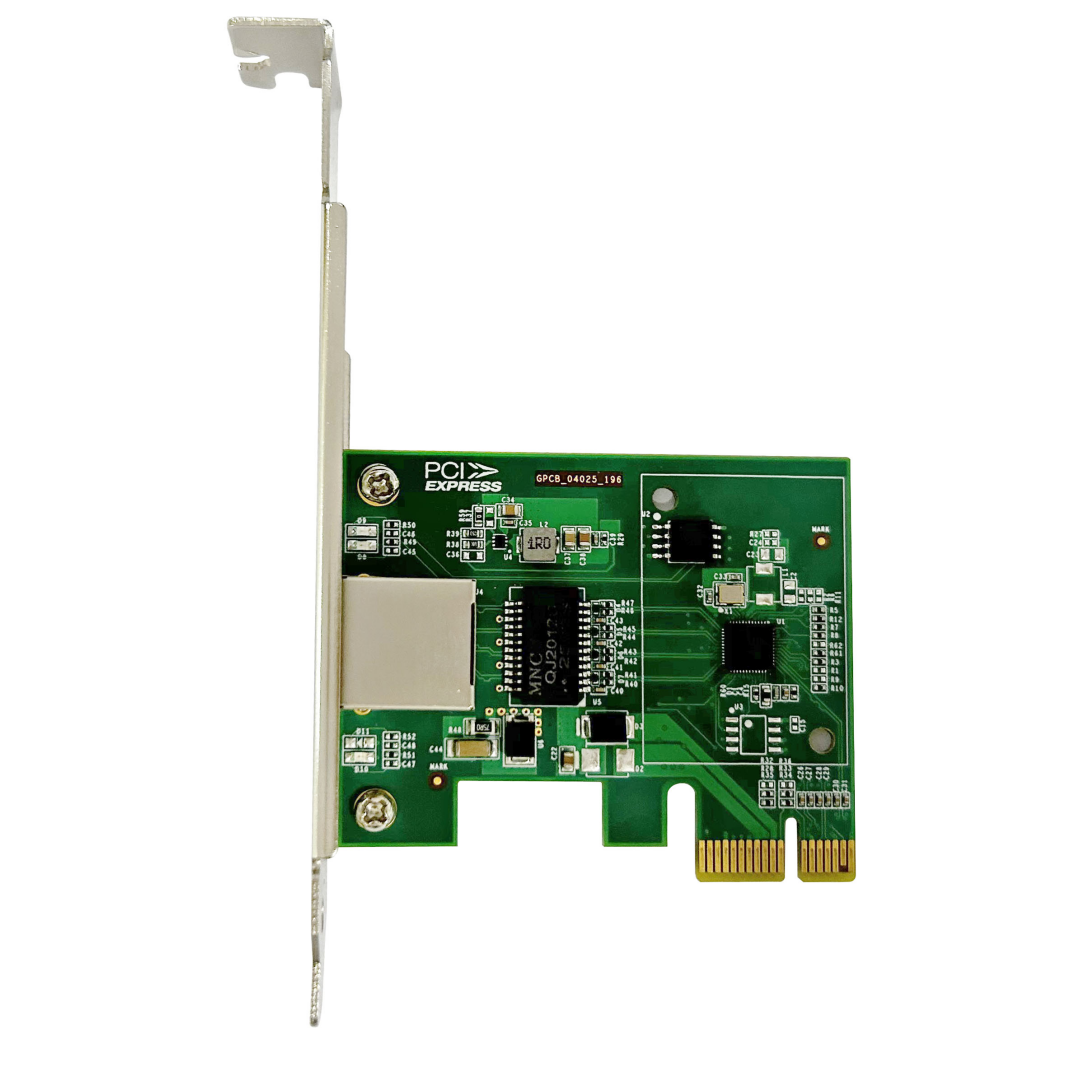
It is FastEthernet interface, fast Ethernet interface, also called 100M interface. It is mainly used to connect to Ethernet (LAN). To put it bluntly, it is used to connect to a switch or computer. It can be connected with an ordinary twisted pair cable. The default rate is 100Mbps, and the command speed limit can be used, but it is impossible to exceed 100Mbps.
G port
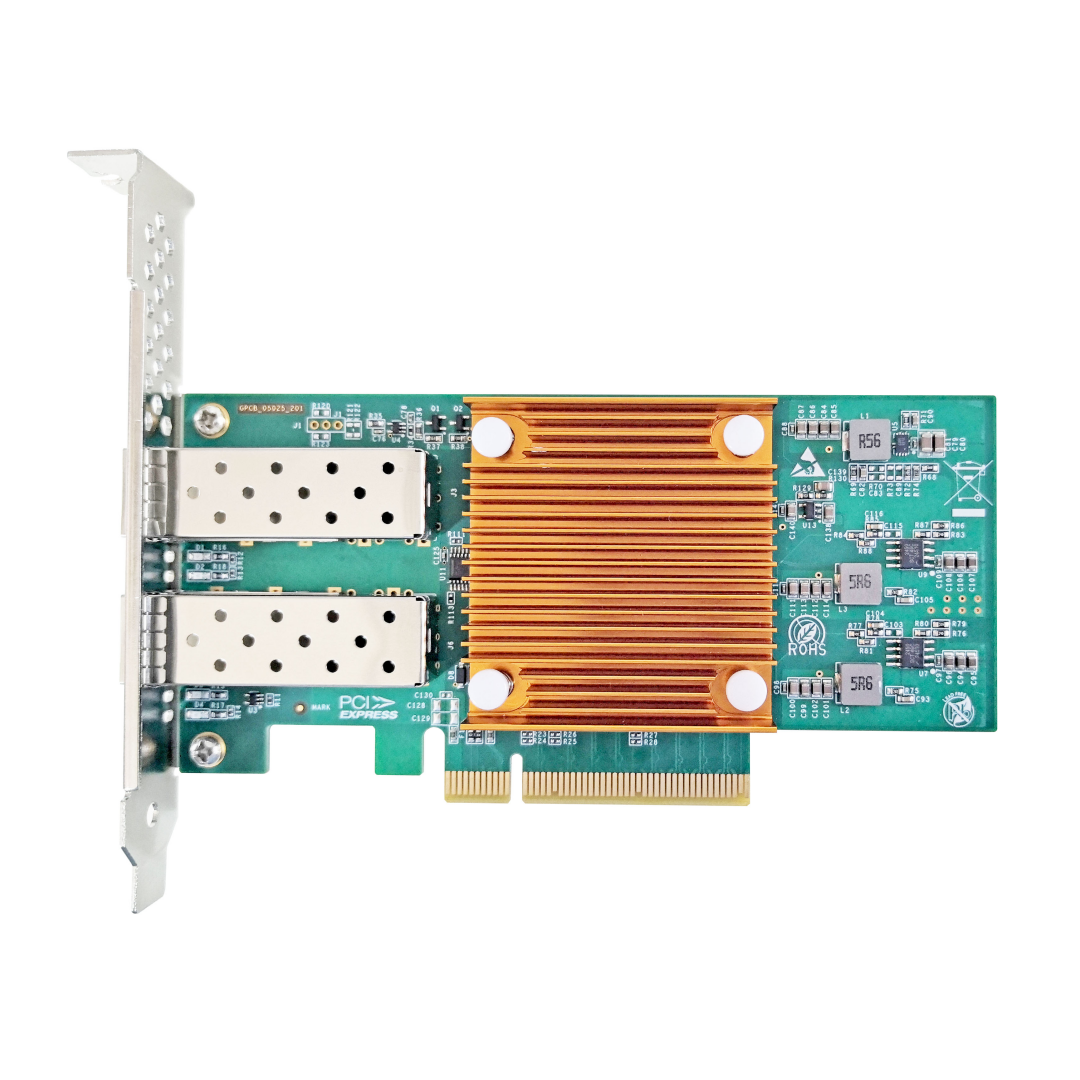
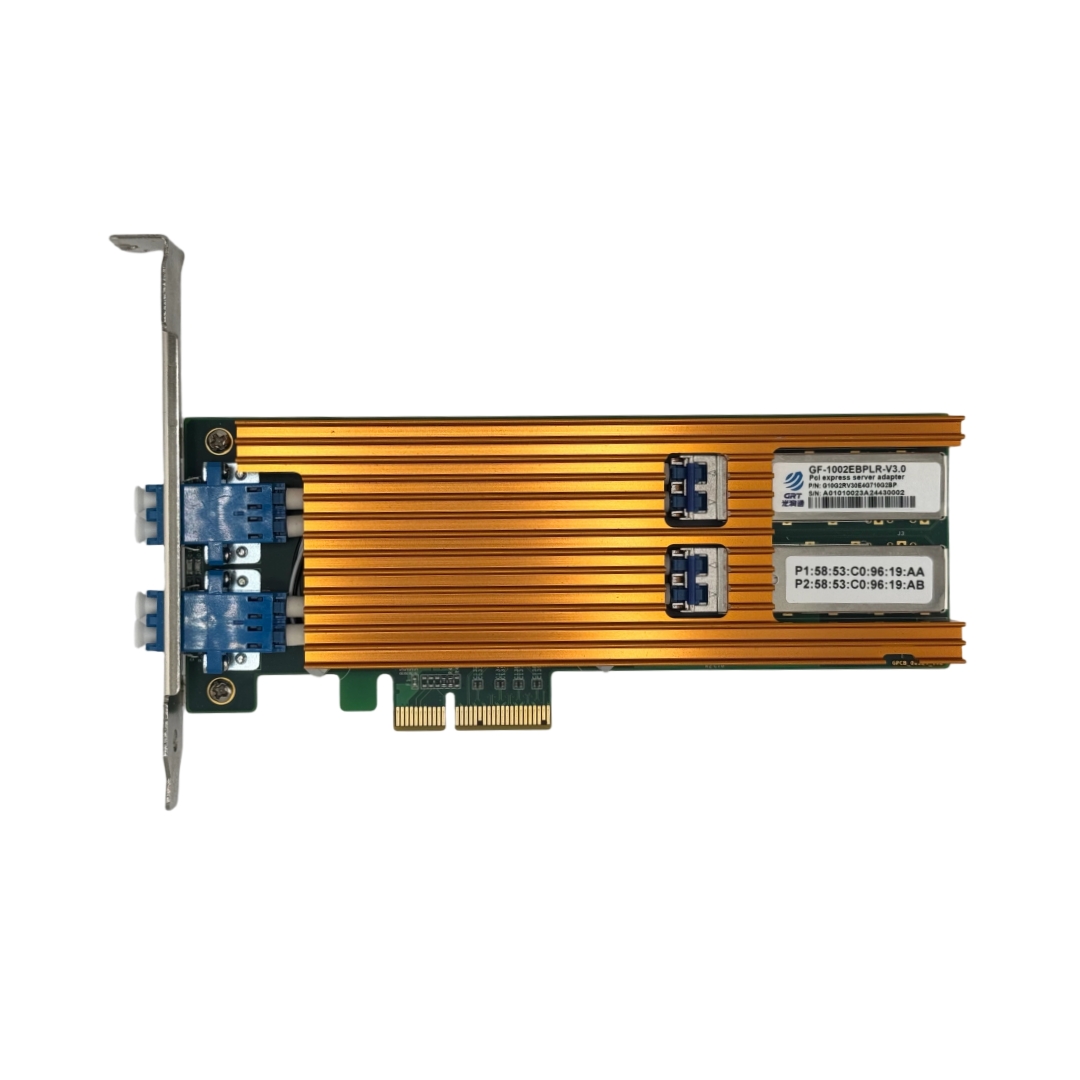
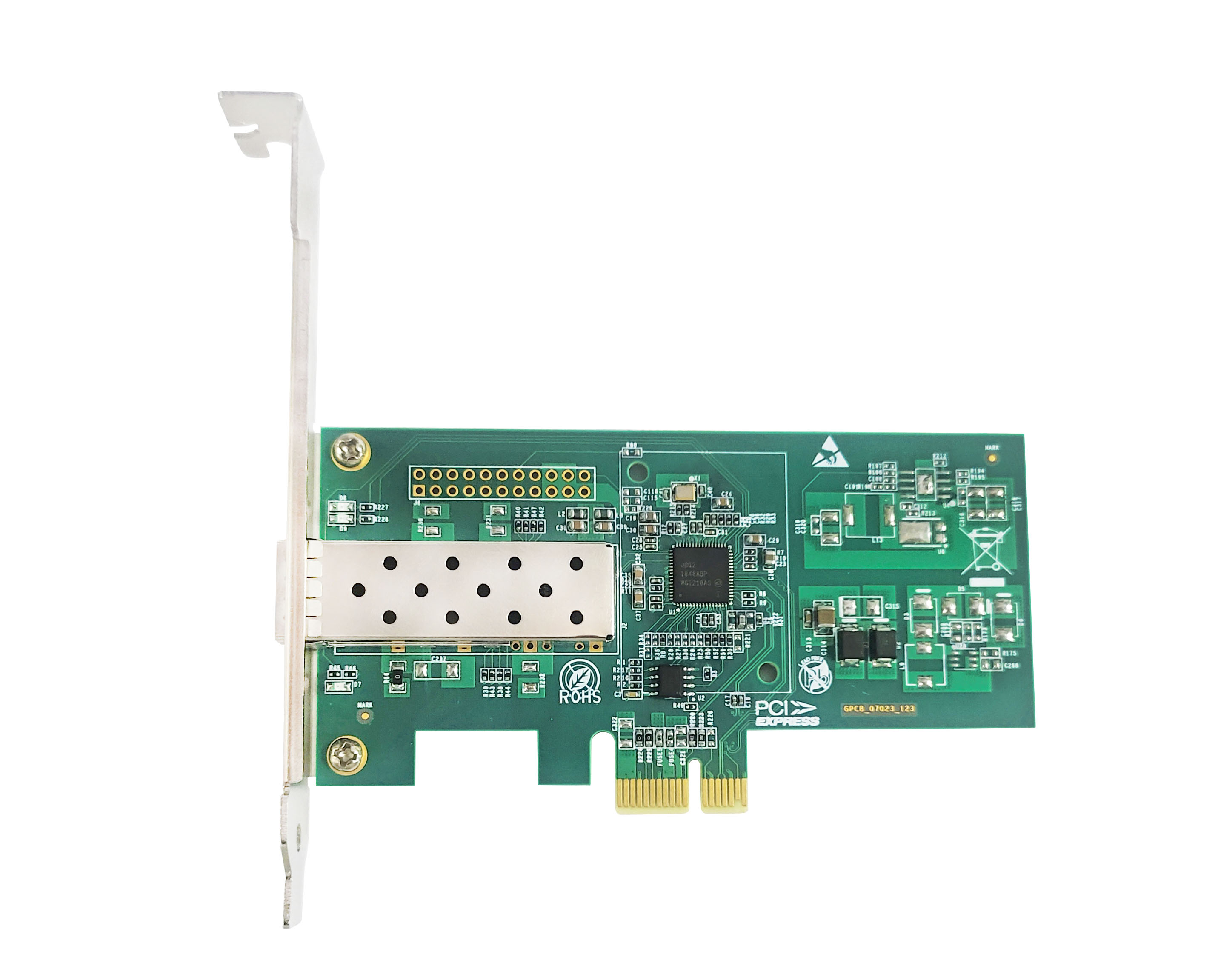
G port means Gigabitethernet, which is a gigabit port. Gigabit only indicates that it is a gigabit port. The display is the same whether it is an optical port or an electrical port. If you want to see it in detail, you can view it with display int.
GigabitEthernet can be an optical port or an electrical port, depending on the device parameters. Ethernet is an Ethernet port, and GigabitEthernet is a Gigabit Ethernet port. Both are defined by the IEEE 802.3-2005 standard. You can use network cables or optical fibers.
Latest information
- Network Troubleshooting
- Wavelength Division Multiplexing: Enabling Fiber Optics to Carry More Data
- How PCIe Interfaces Affect Signal Integrity
- DDM Function of Optical Modules
- Precision Time Protocol (PTP)
- How NIC Interrupt Moderation Reduces CPU Load but Introduces Latency and Jitter
- The High-Performance Network Revolution in the AI Era: RDMA
- NAS Storage Network Upgrade Guide