Sign in






Network Troubleshooting
< BackNetwork Troubleshooting
Network failures are an “old friend” to every IT operations and maintenance professional. In many cases, the problem is not particularly complicated; the real challenge is knowing where to start. GRT's technical support team has summarized several common troubleshooting approaches for your reference.
Step 1: Check the Link Status
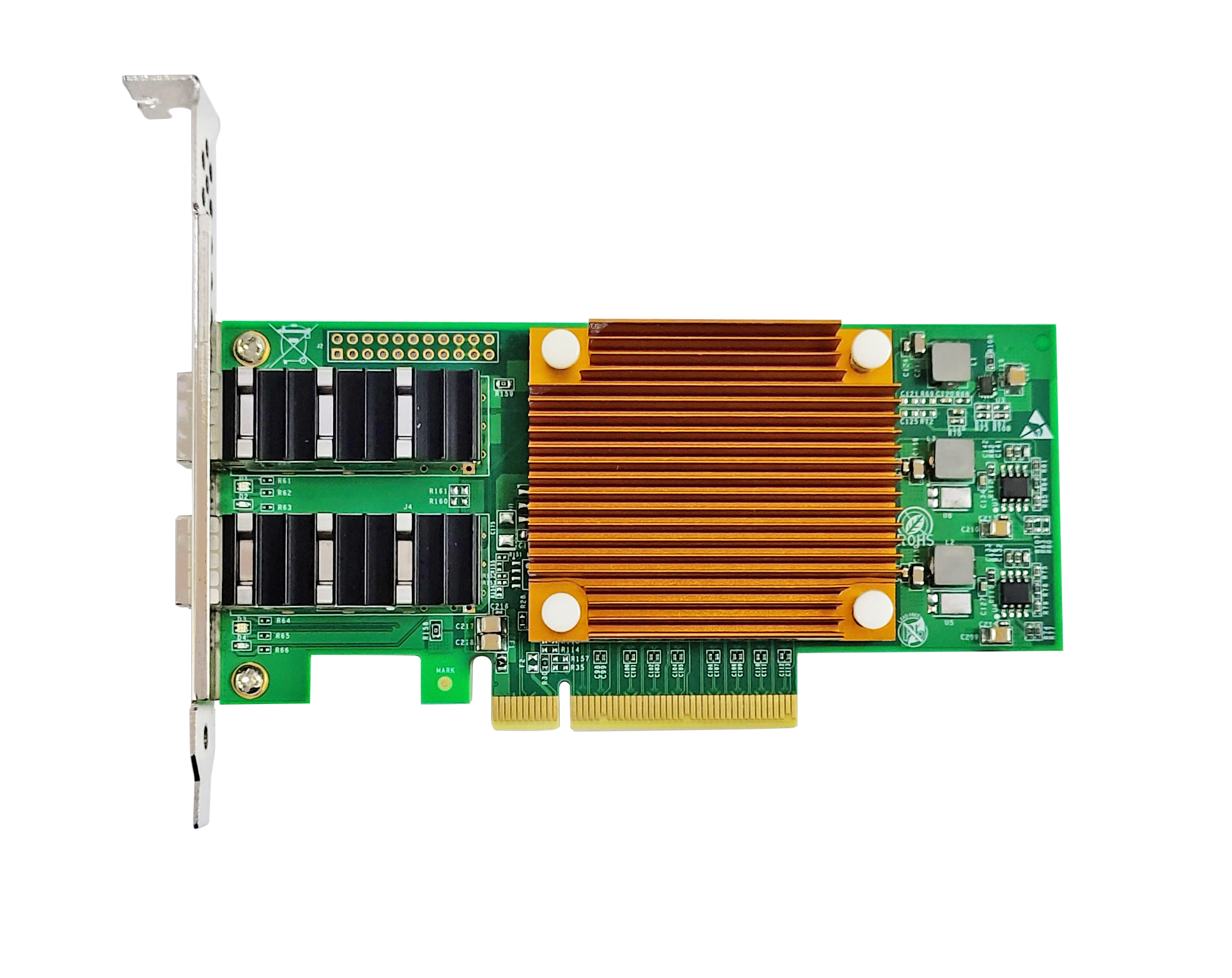
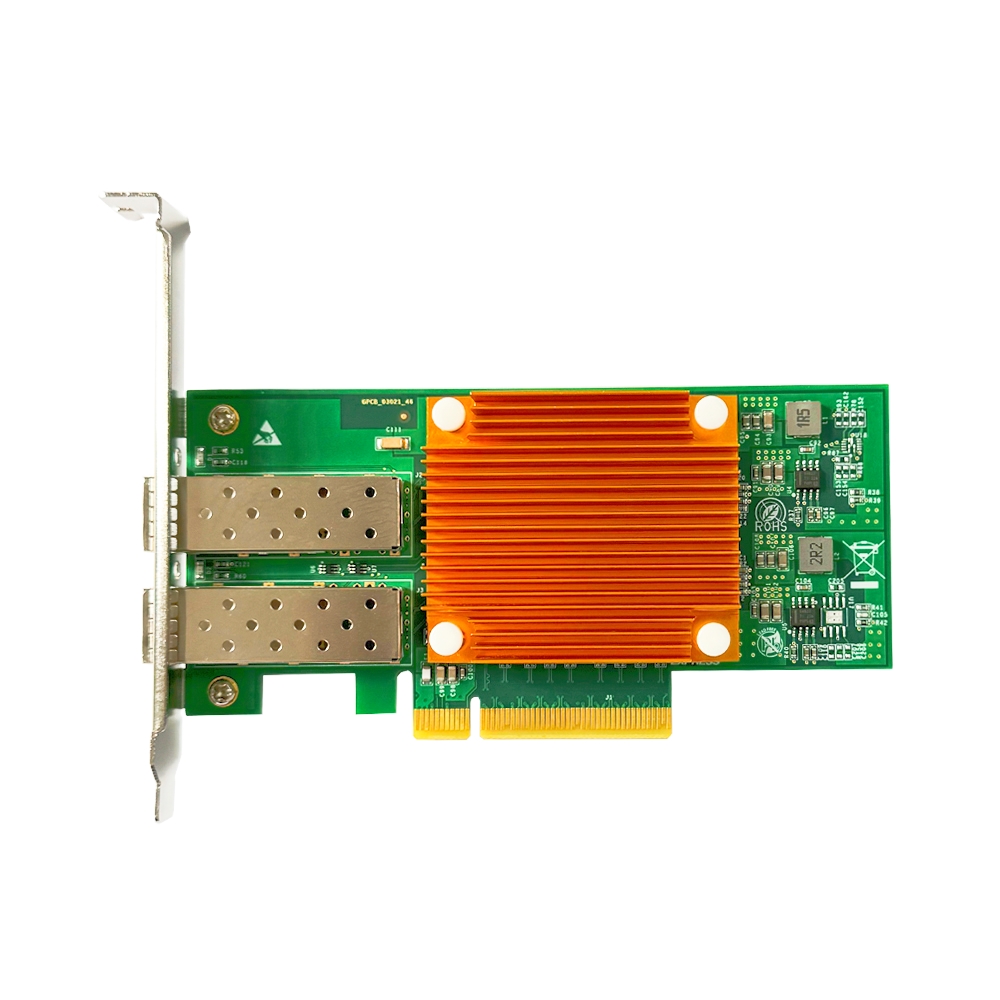
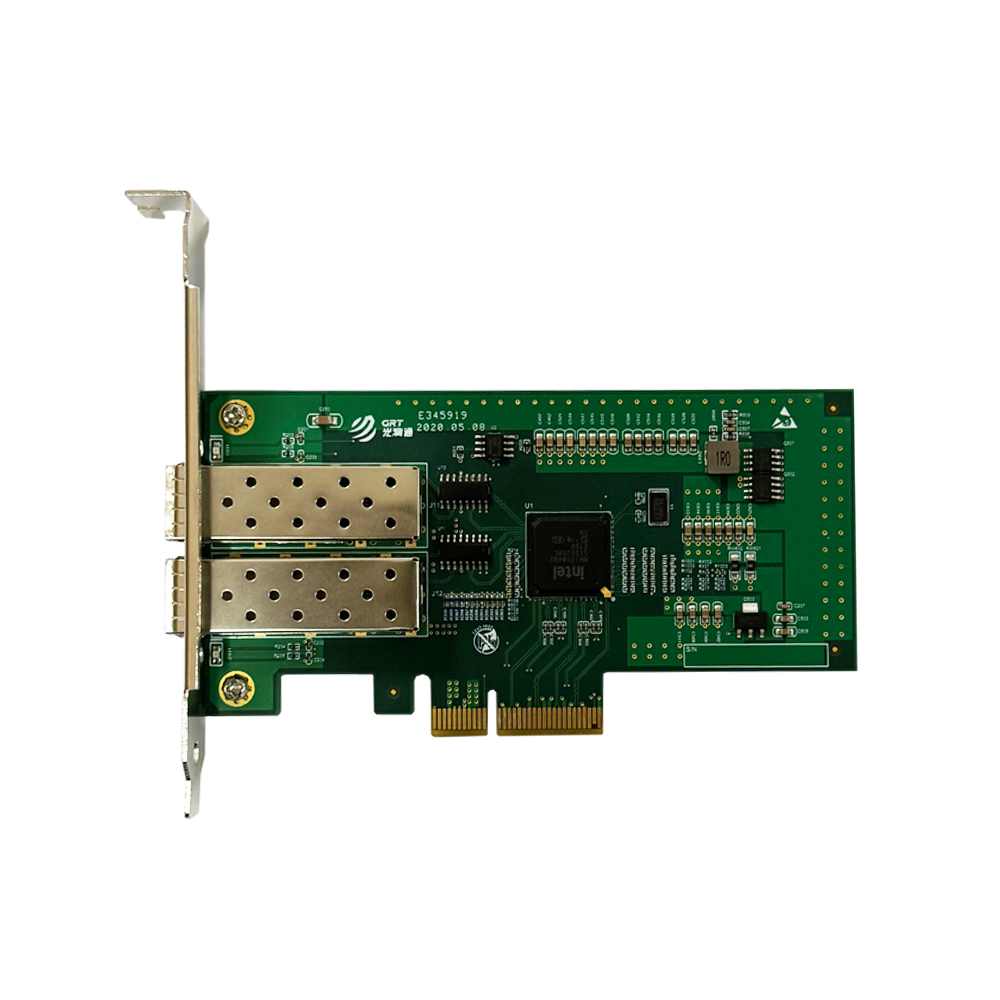
The first and most basic step is to check whether the network adapter is properly recognized by the server. On Linux systems, use the ethtool command. On Windows, check Device Manager to confirm that the network adapter is functioning normally and that the link indicator is illuminated.
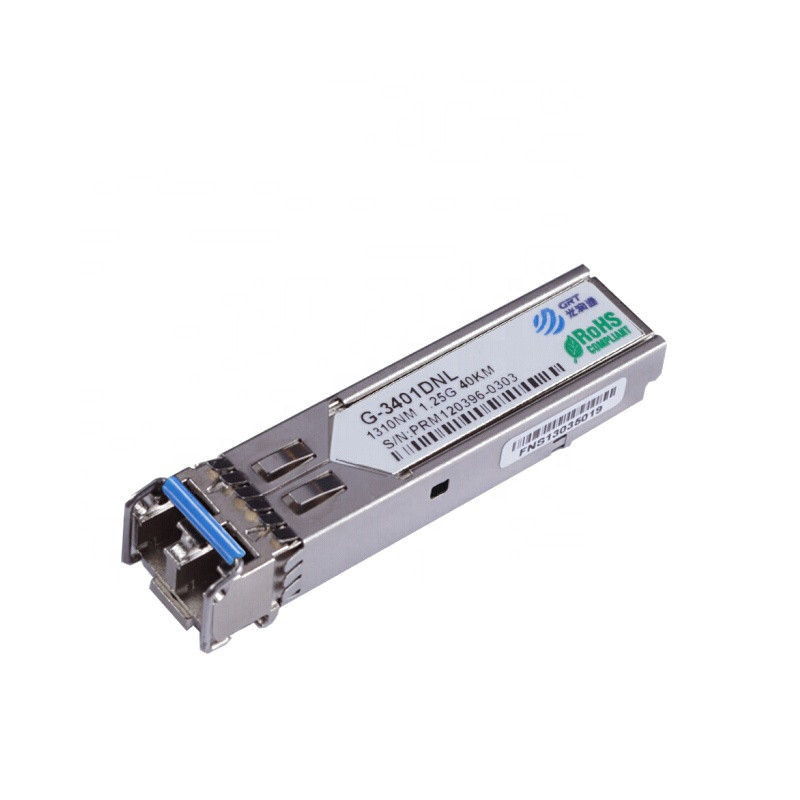
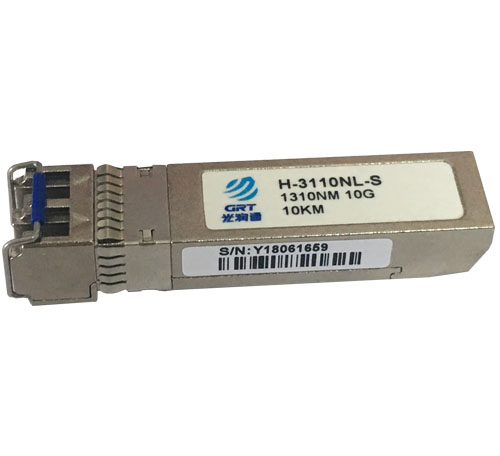
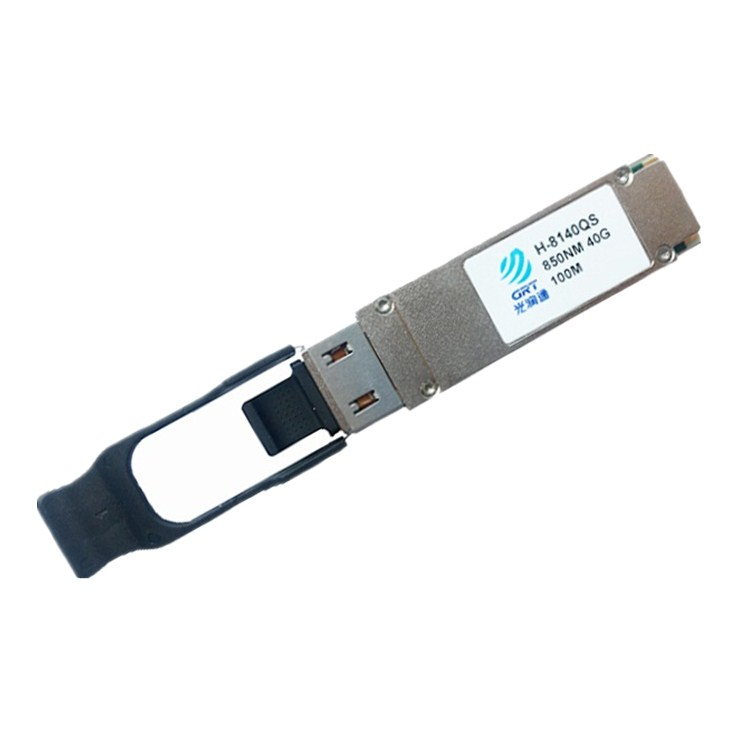
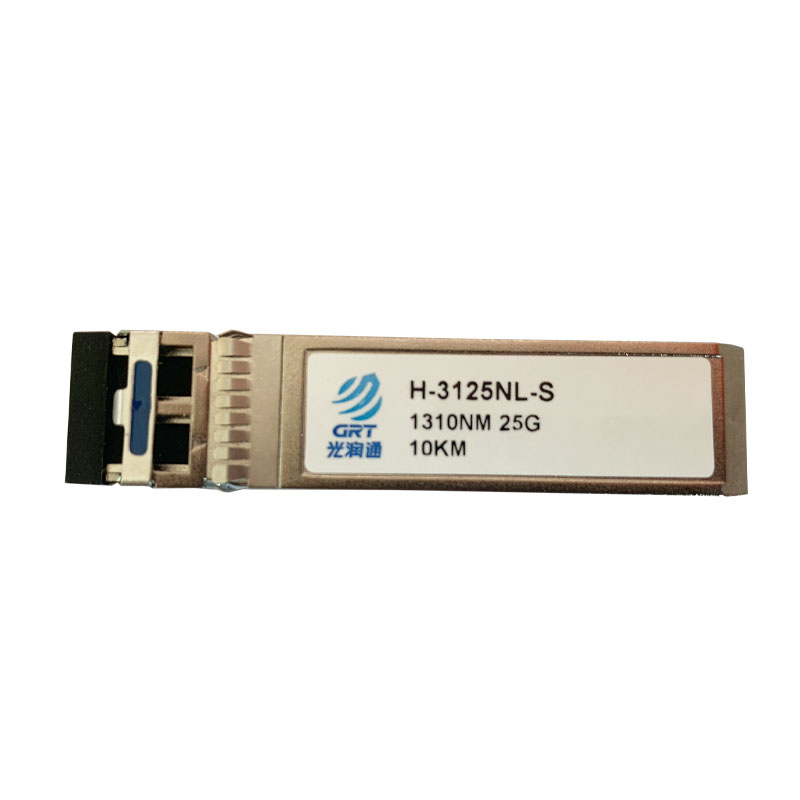
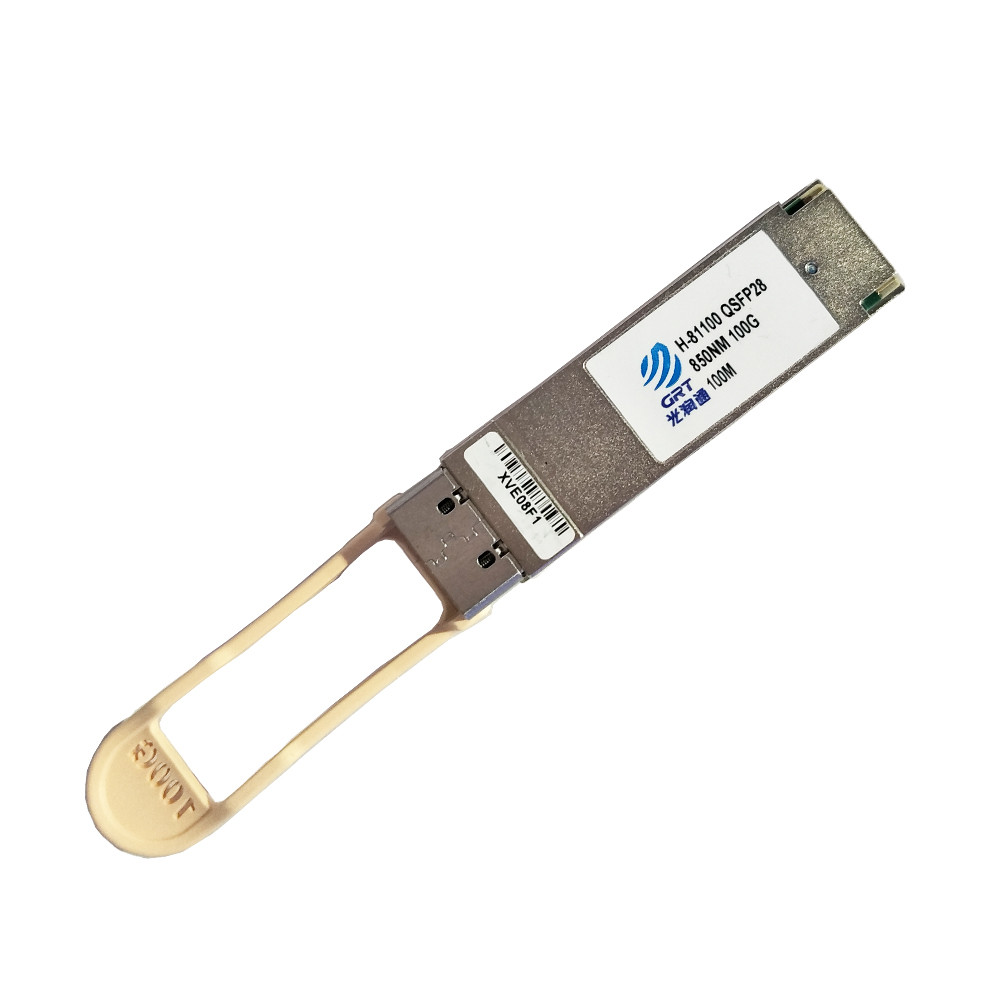
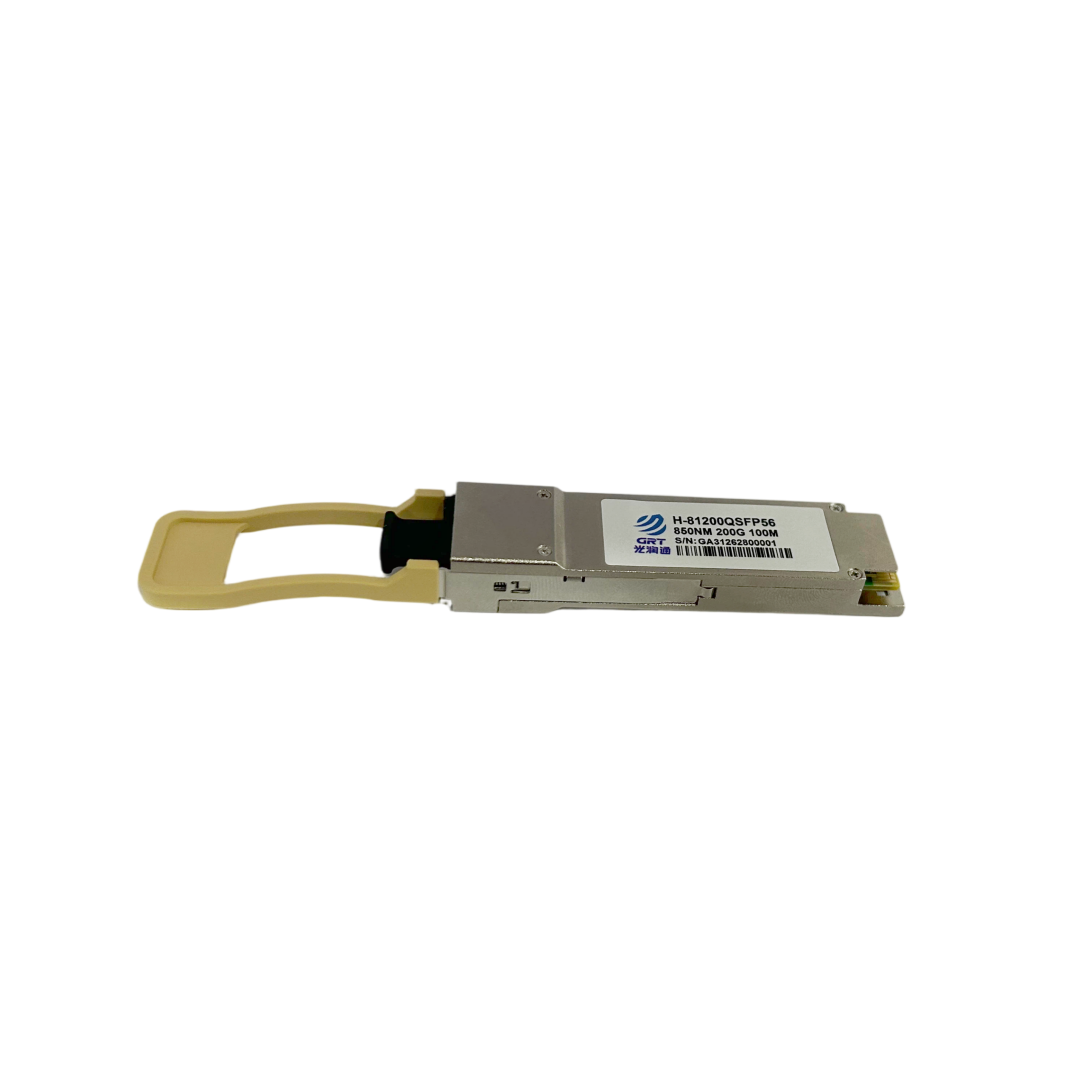
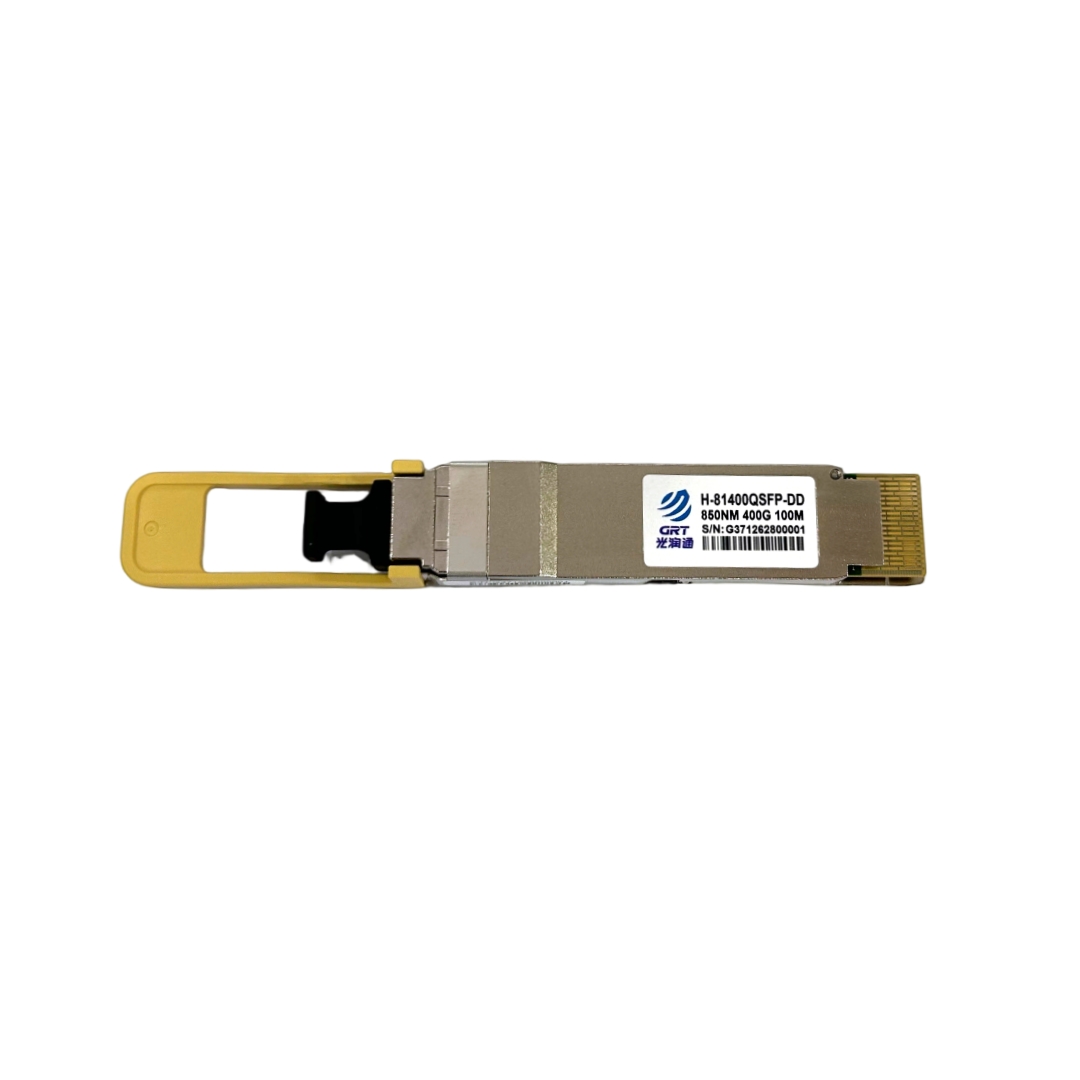
If the link status frequently switches between connected and disconnected, the problem is most likely at the physical layer. The optical module may not be securely inserted, or the fiber end face may be contaminated.
Step 2: Check the Statistics
Network adapters record various error counters internally, such as CRC errors and packet drops. If these values continue to increase, it indicates a signal quality issue somewhere along the link.
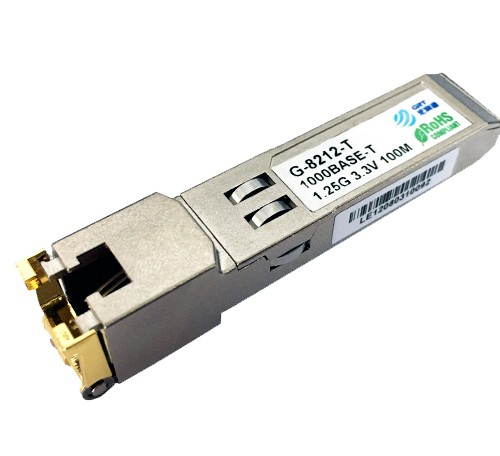
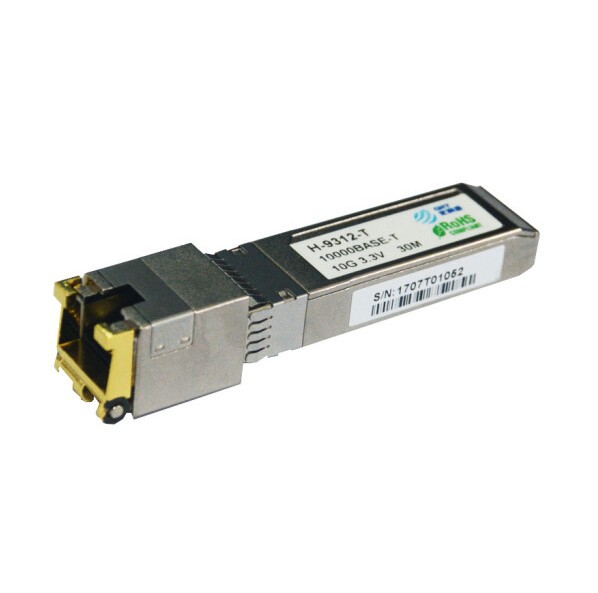
One of the most common causes is optical module incompatibility. Different switch brands have different compatibility requirements for optical modules. We recommend prioritizing module models that have been tested and verified.
During the R&D phase, GRT conducts compatibility tests on optical modules from major brands and develops detailed recommendation lists to help customers avoid such issues.
Step 3: Check the PCIe Link Speed
High-speed network adapters require sufficient PCIe lane bandwidth. For example, if a 25G network adapter is installed in a PCIe 2.0 x4 slot, its actual performance may be limited to around 10G.
Before installation, check the server motherboard manual to confirm the slot specifications. This simple step can prevent many problems later.
Step 4: Check the System Logs
Operating system event logs often contain valuable troubleshooting clues. When a network adapter driver detects an abnormal condition, it may record events such as frequent link interruptions or hardware errors. This information can help identify the source of the problem.
If the issue remains unresolved after completing all the checks above, GRT's technical support team is always ready to help. We have extensive experience handling complex on-site customer issues and provide timely technical assistance.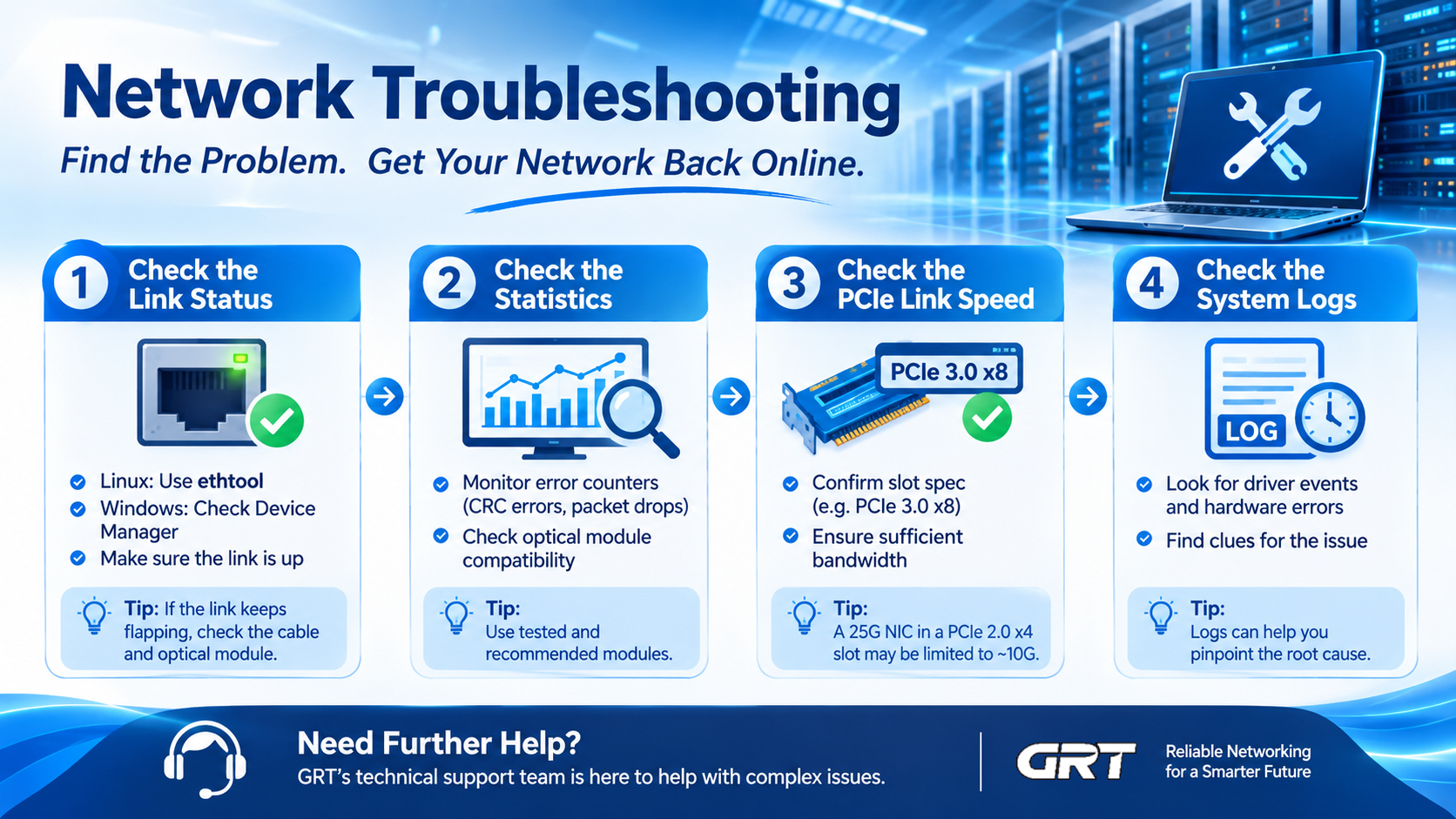
Latest information
- Network Troubleshooting
- Wavelength Division Multiplexing: Enabling Fiber Optics to Carry More Data
- How PCIe Interfaces Affect Signal Integrity
- DDM Function of Optical Modules
- Precision Time Protocol (PTP)
- How NIC Interrupt Moderation Reduces CPU Load but Introduces Latency and Jitter
- The High-Performance Network Revolution in the AI Era: RDMA
- NAS Storage Network Upgrade Guide